

When we talk about sleek and premium laptops, one of the first to come to mind is the Apple MacBook Air. However, for users who are Windows OS purists, this is not always the best option. ASUS has a solution though in the form of the ASUS ZenBook UX305LA. It has a 13.3-inch QHD+ display, Intel Core i7 CPU, and 8GB RAM. Check out our full review below.

Design and Construction
Out of the box, the ZenBook UX305 will waste no time letting you know that it’s a premium device. Its body is made from a block of solid aluminum with a tapered wedge design and diamond-cut chamfered edges which feel sharp on the fingertips.
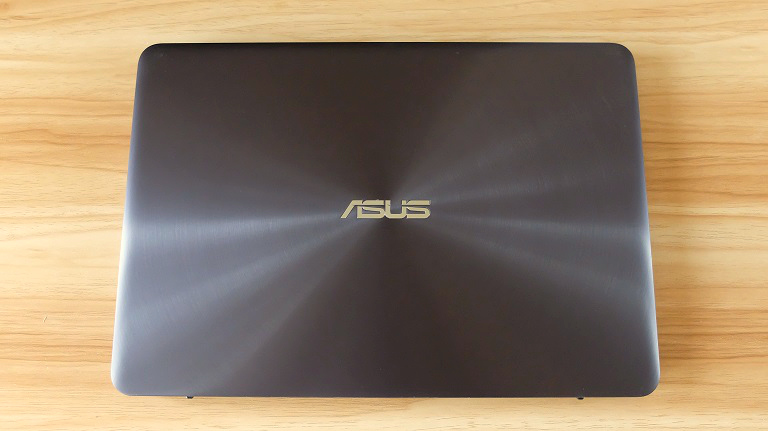
The lid features ASUS’ signature spun-metal finish along with chrome ASUS badge in the middle. Opening it will reveal the 13.3-inch IPS QHD+ (3200 x 1800 pixels) display, 720p webcam, microphone, and a light sensor for the display’s auto-brightness.
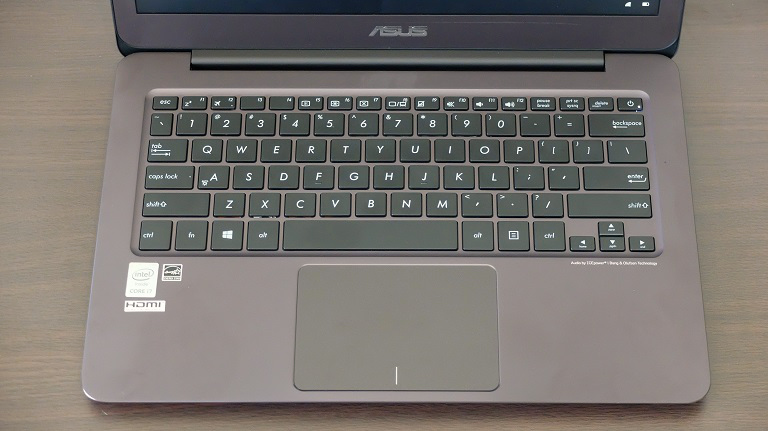
Down below is the full-size, sadly not backlit, one-piece chiclet keyboard that boasts a 1.5mm key travel and minimal key float, and the spacious touchpad with support for Smart Gestures for easy navigation.

The first time we used the keyboard we thought that it could use more depth, but after a few days, we finally got used to it. It’s comfortable and quiet which is great for work as there are no noisy keys to distract other people. The touchpad, on the other hand, is sensitive and responsive but not all the way to the edges. Although spacious, it doesn’t get in the way of your palms.
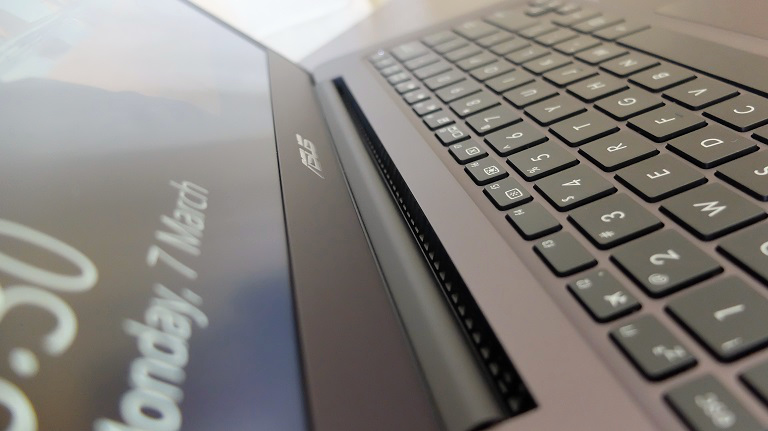
As for the vent, it’s placed discretely to the rear by the hinge in the middle.
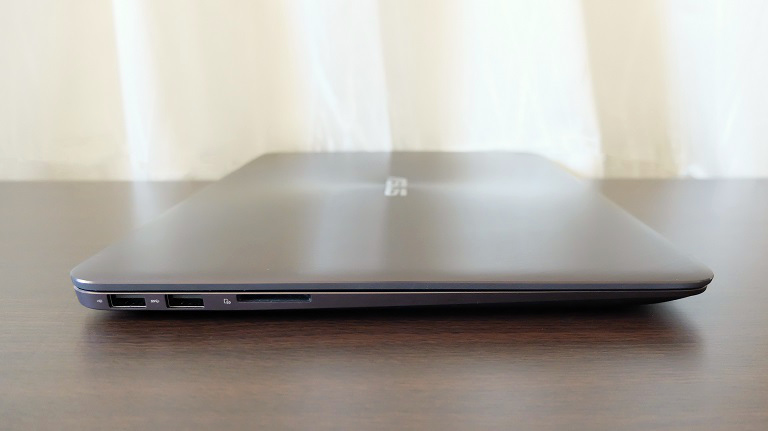
Looking at the left side, we have the USB 2.0 and USB 3.0 ports and SD card reader.
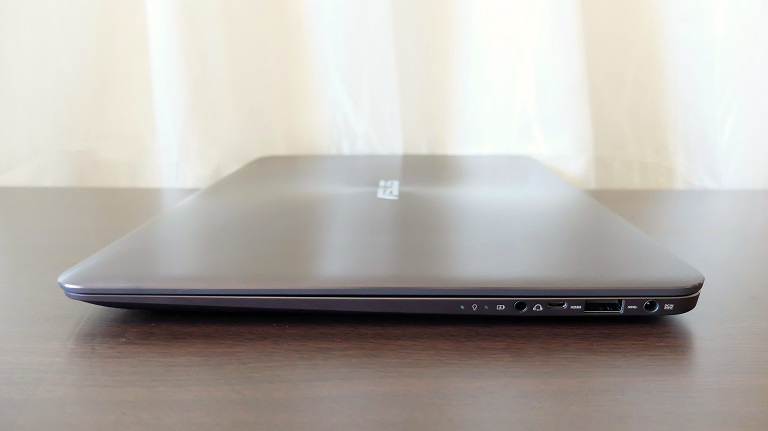
To the right are the DC-in, another USB 3.0, micro HDMI, mic-in/headphone-out combo jack, and LED indicators for the battery.
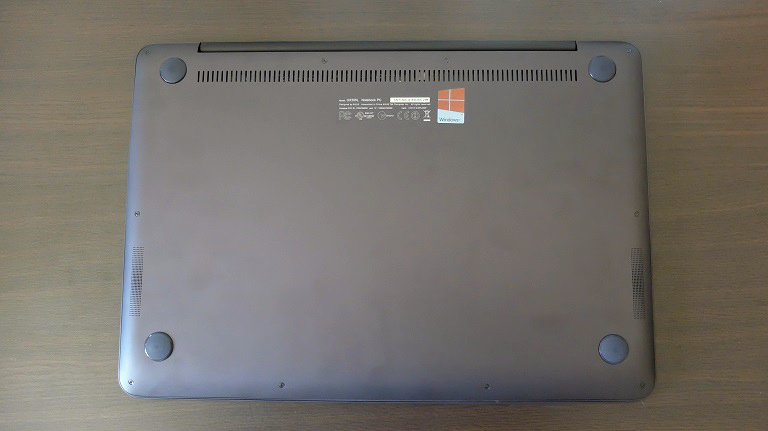
Underneath, we have four rubber nubs to make sure that the UX305 doesn’t slip. While placed on the left and right-hand side are the speakers.
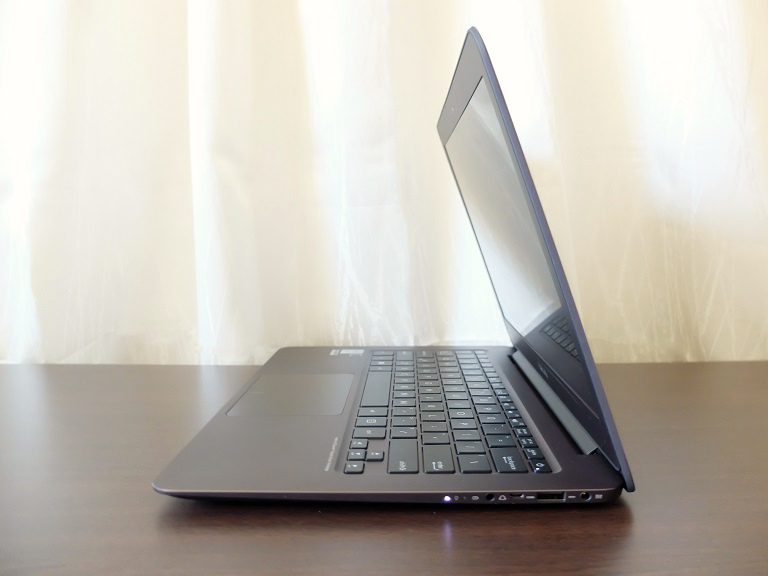
On the hand, the ZenBook UX305 is pretty much light at 1.3 kg. But what we liked the most is its slim body at 14.9mm thin as it easily slides in and out a laptop bag. The combination of light and thin body makes it easy to carry around.






How much is the Zenbook UX305LA model in the PH?
PC Express sells it for around P60k:
https://pcx.com.ph/product/asus-zenbook-ux305la-fb049t/