

When I first got the Plaud Note Pro, I honestly wasn’t convinced.
My first thought was simple:
“Why would I need a separate recorder when my phone can already record audio?”
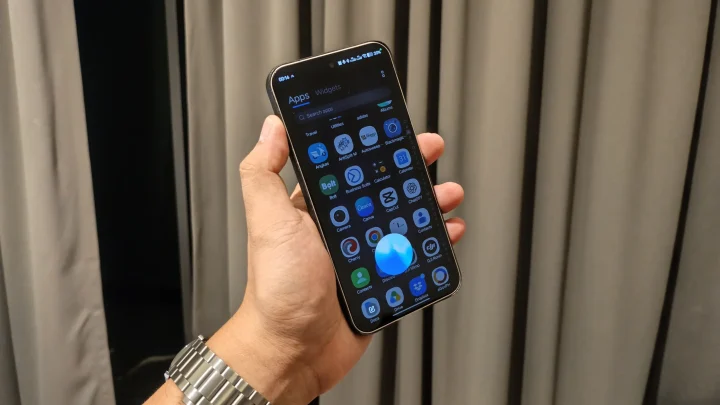
Most smartphones today can record meetings, lectures, interviews, and phone calls. Some even have built-in transcription features. On paper, spending money on a dedicated AI recorder felt a bit redundant.
But after using the Plaud Note Pro for meetings, interviews, content planning sessions, and even a few casual brainstorming discussions, I started realizing that the product isn’t really about recording audio.
It’s about what happens after the recording.
And that’s where the Plaud Note Pro starts separating itself from your phone.
Design and Construction
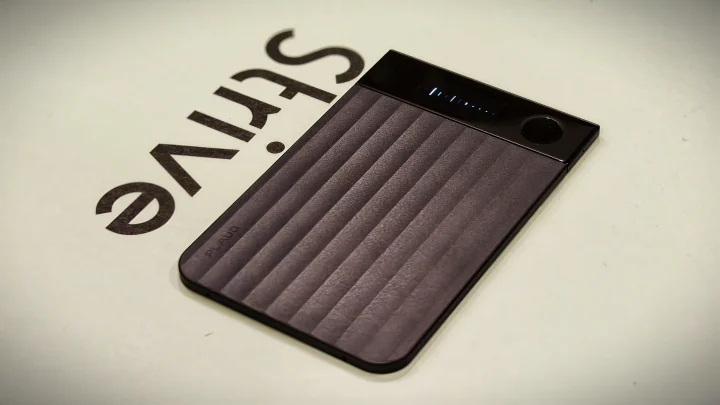
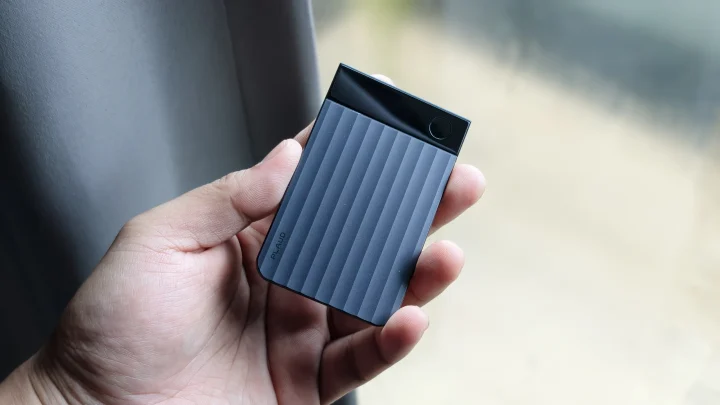
The Plaud Note Pro immediately stands out because of how compact it is.
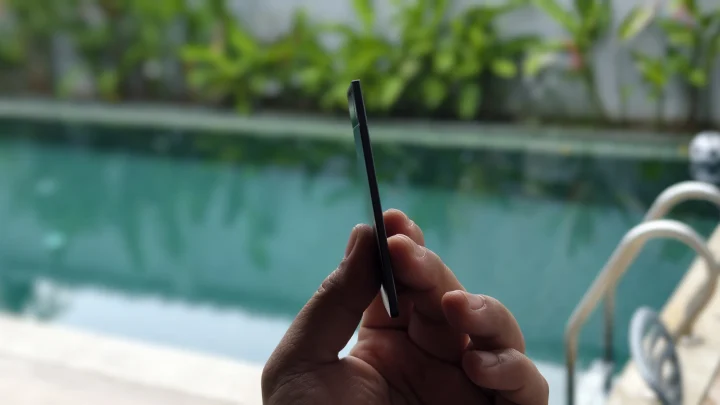
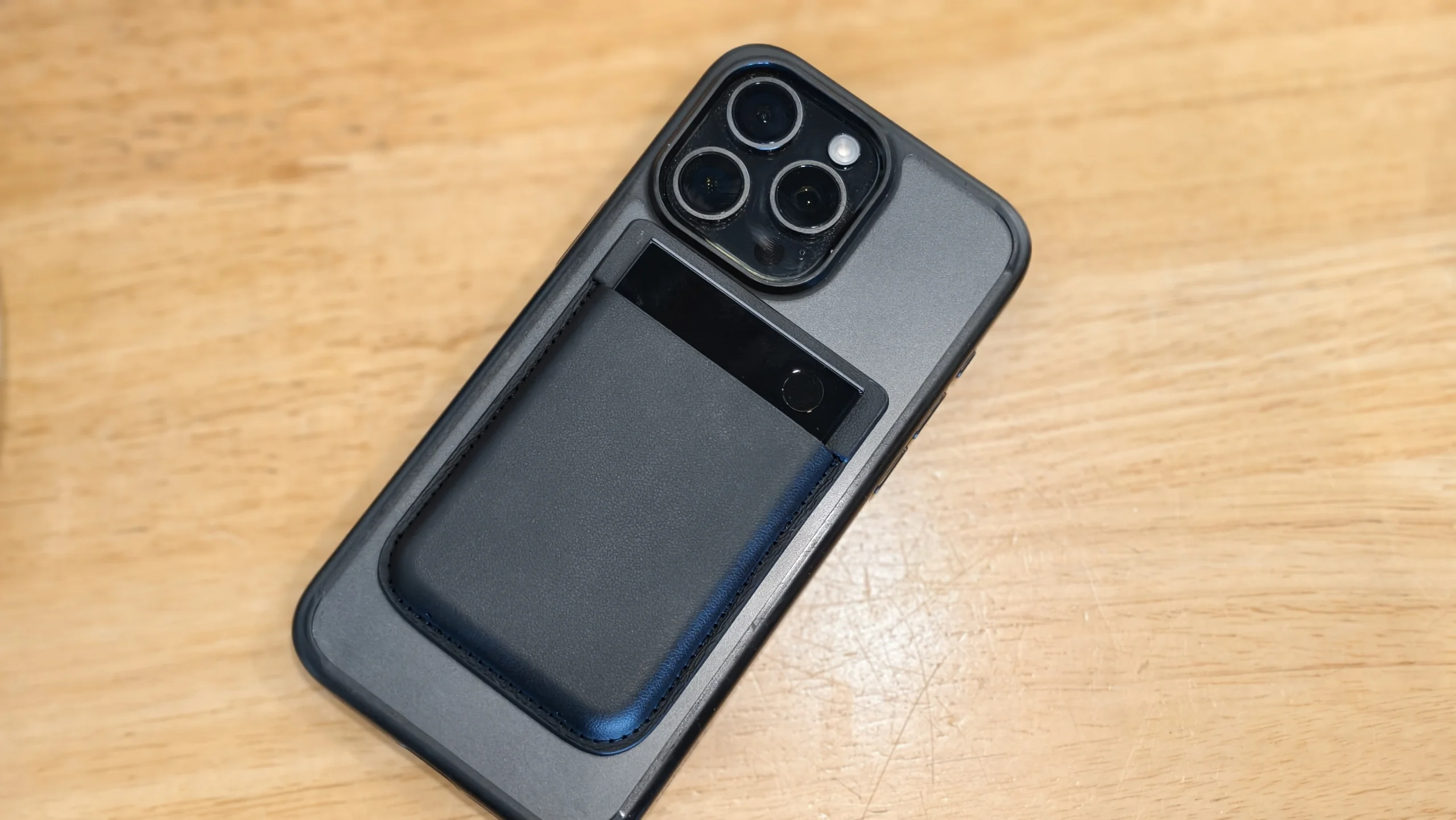
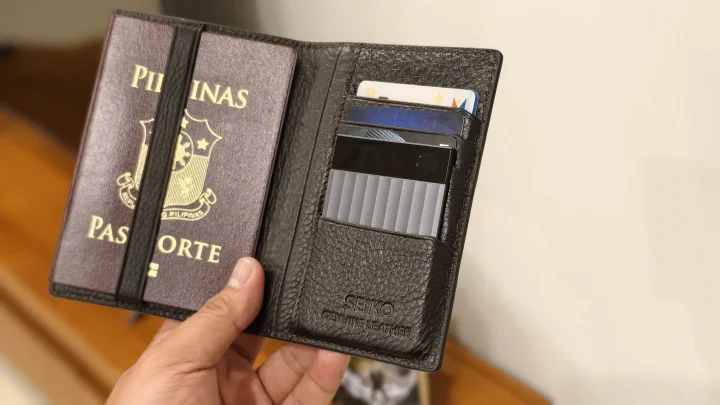
It’s roughly the size of a credit card, making it easy to slip into a wallet, notebook, laptop sleeve, or even attach directly to the back of your smartphone using the included magnetic case.
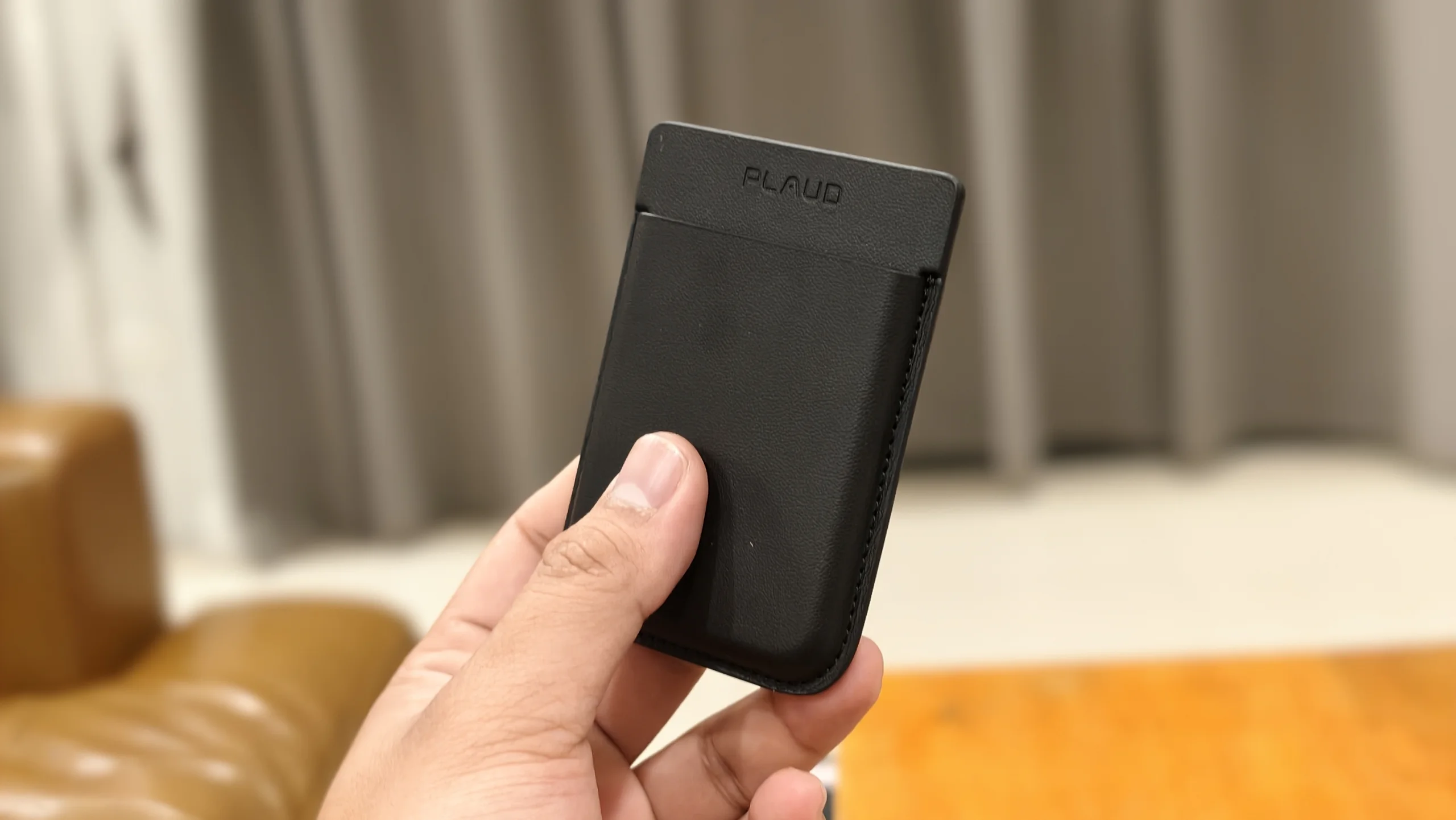
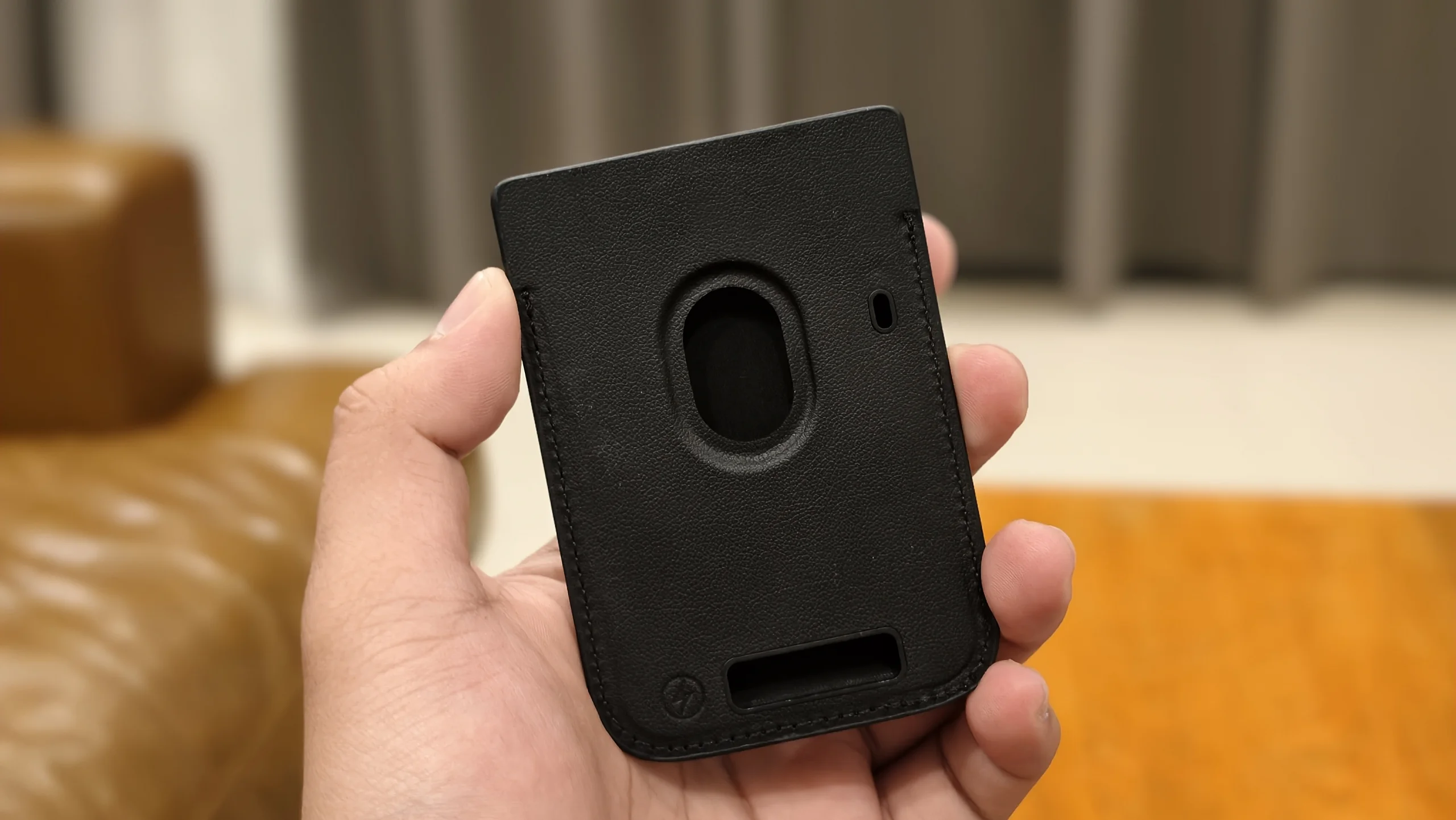
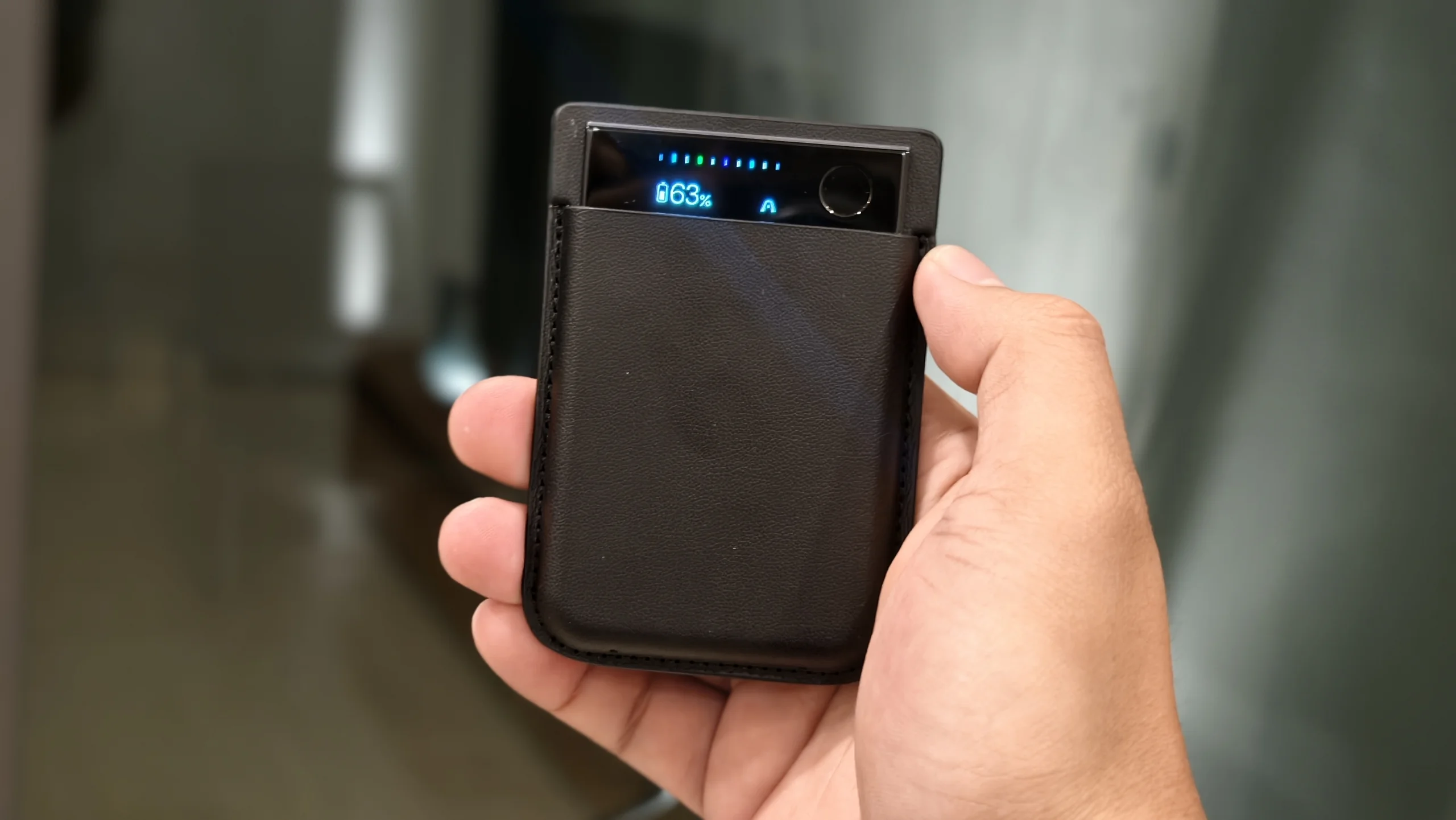
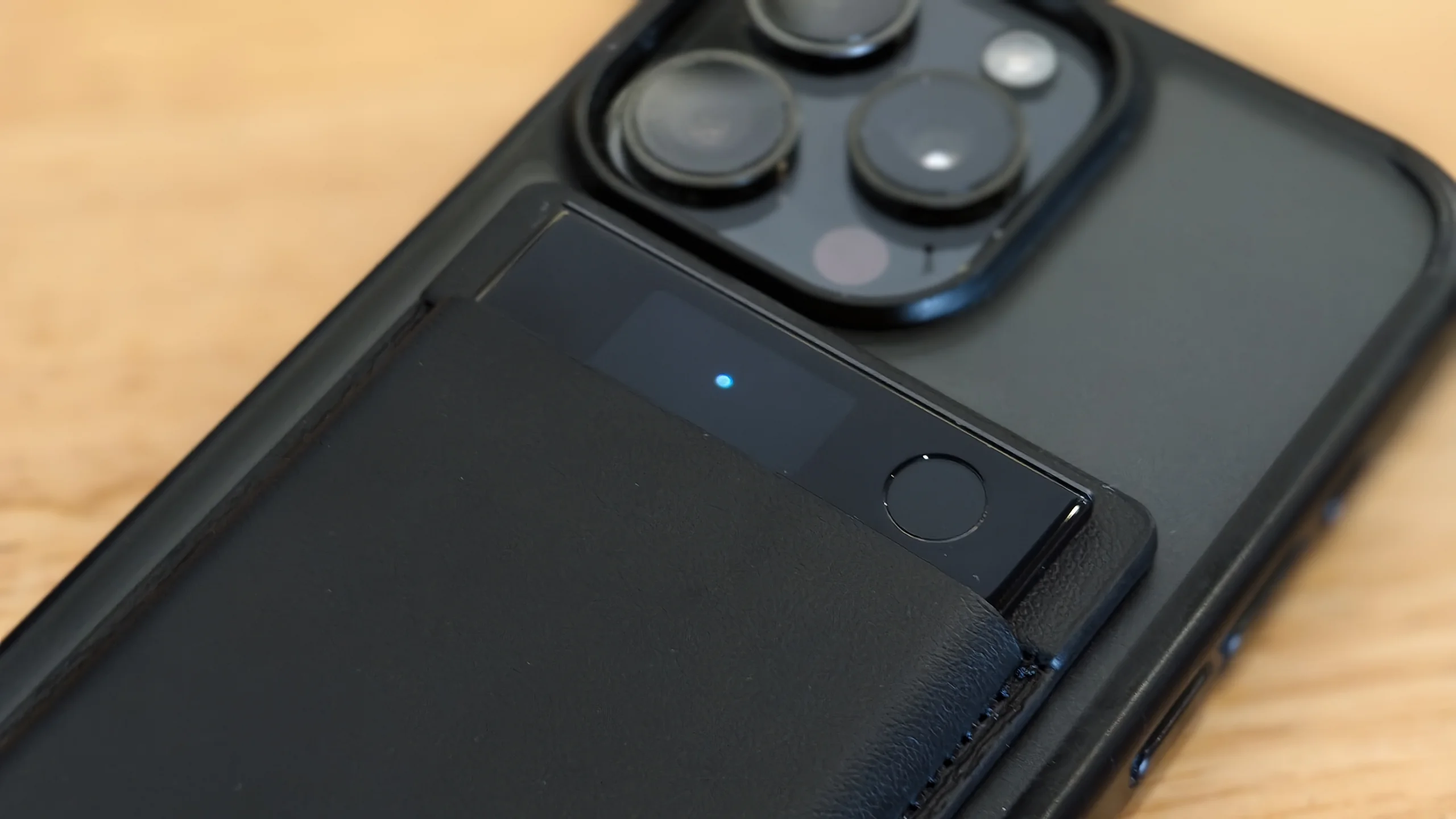
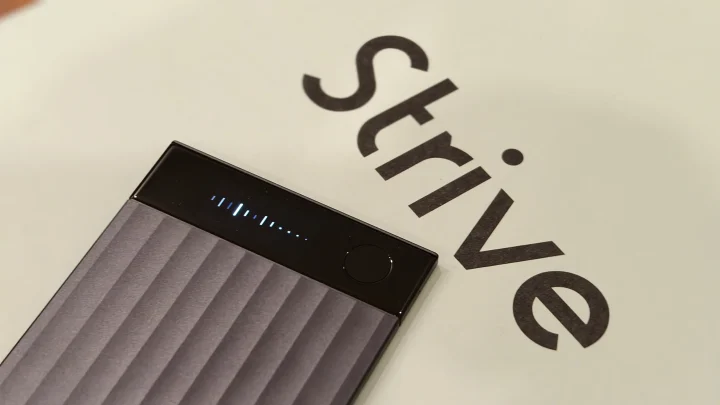
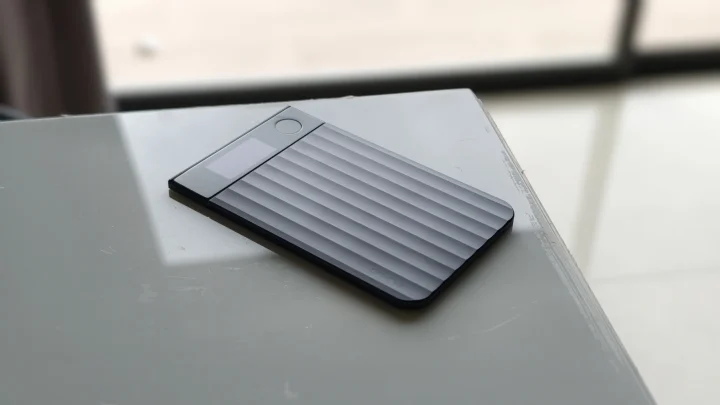
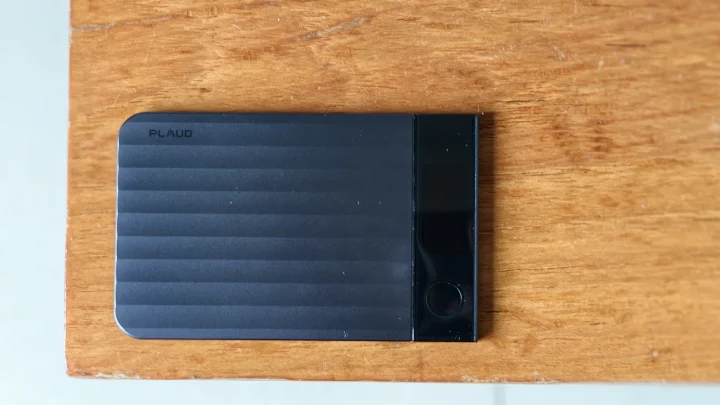
Unlike traditional voice recorders that often look dated or bulky, the Note Pro feels modern and premium. The device features Gorilla Glass protection and an AMOLED display that shows recording status, battery information, file transfers, and setup QR codes.
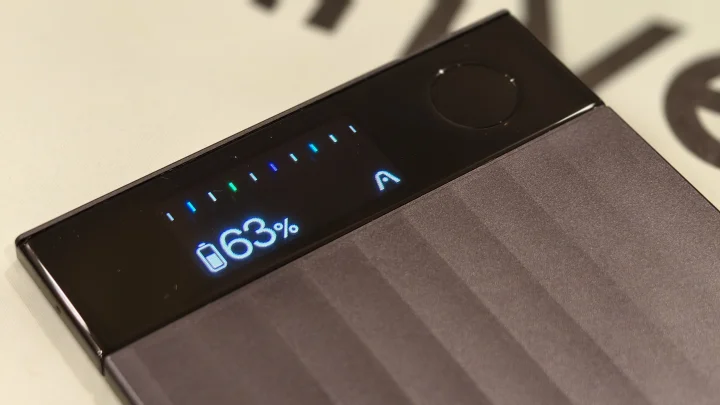
I initially thought the display was just there for marketing purposes.
After using it for a few weeks, I changed my mind.
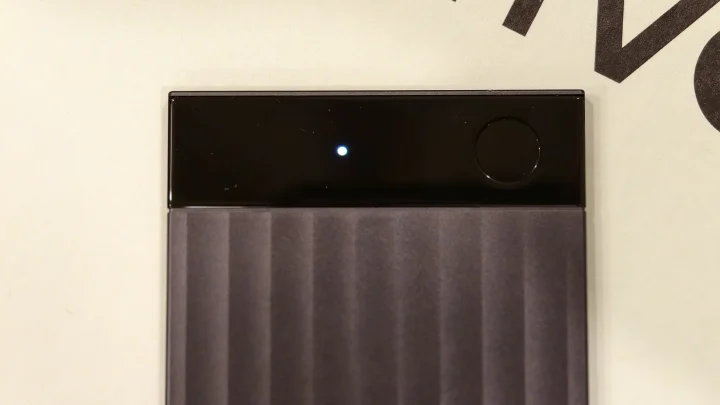
There were several times during meetings when I found myself glancing at the display just to confirm that recording was still active. It’s a simple feature, but it gives reassurance that everything is being captured properly.
The textured finish also makes the device feel more premium than the original Plaud Note.
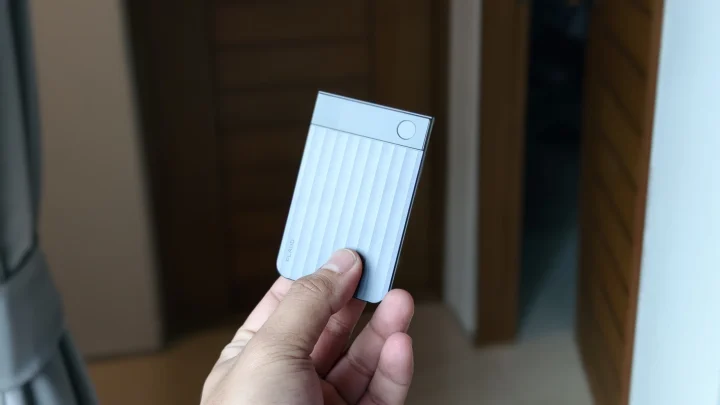
Build quality overall is excellent, and the Note Pro feels like a device designed for everyday professional use.
Setting Up the PLAUD Note Pro
Getting started is surprisingly easy.
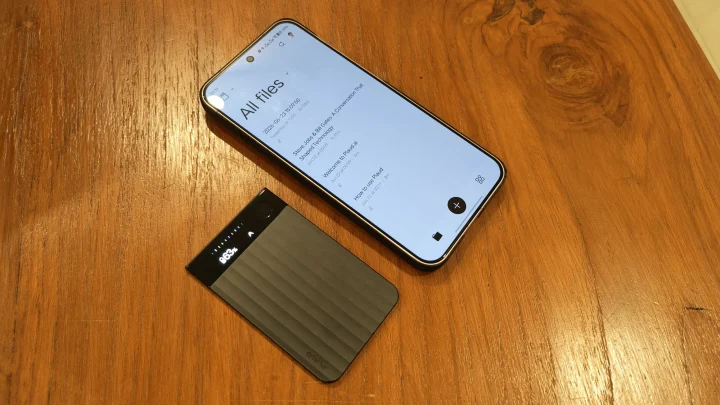
After downloading the Plaud app on either Android or iOS, the Note Pro walks you through the pairing process. The AMOLED screen displays a QR code that can be scanned directly through the app.
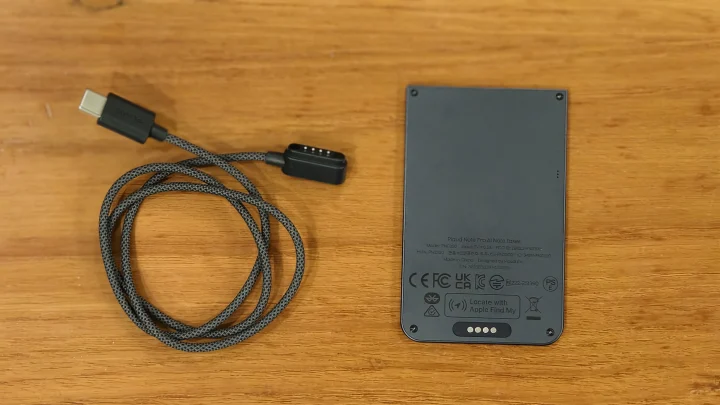
From unboxing to completing setup, the entire process took me less than five minutes.
Once connected, the app becomes the control center for everything.
This is where you’ll find:
- Recordings library
- AI-generated summaries
- Mind maps
- Speaker identification
- Templates
- Search functions
- Ask Plaud AI
- Export options
Despite having a lot of features, the app never feels overwhelming.
The layout is straightforward enough that even first-time users can figure things out quickly.
How To Use It
The beauty of the Note Pro is that it’s incredibly simple.
For meetings, you place it on a table and press record.
That’s it.
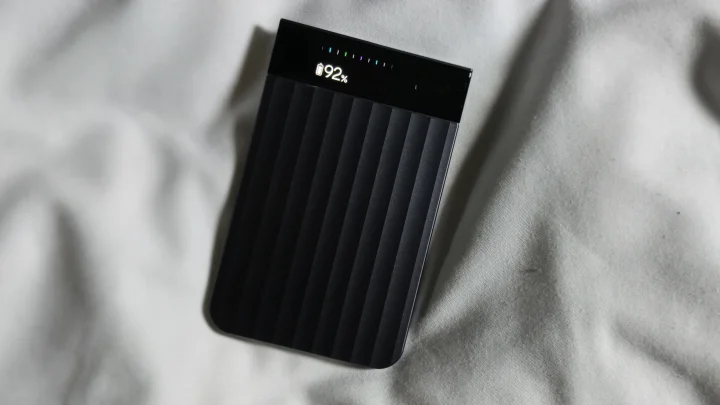
The four-microphone array automatically captures voices around the room.
For phone calls, you attach the device to the back of your smartphone using the magnetic case. The Note Pro uses vibration-conduction technology to capture conversations clearly.
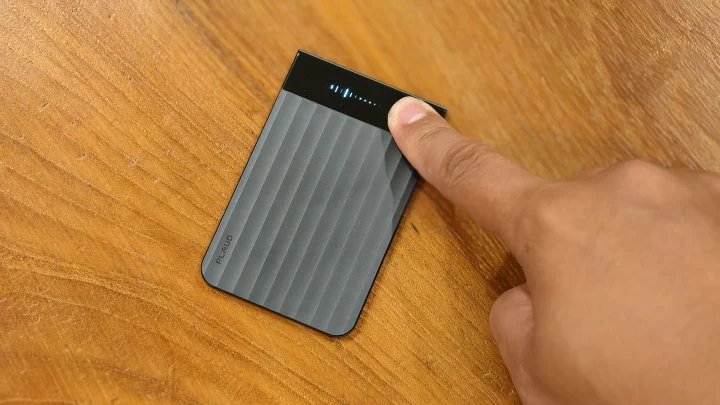
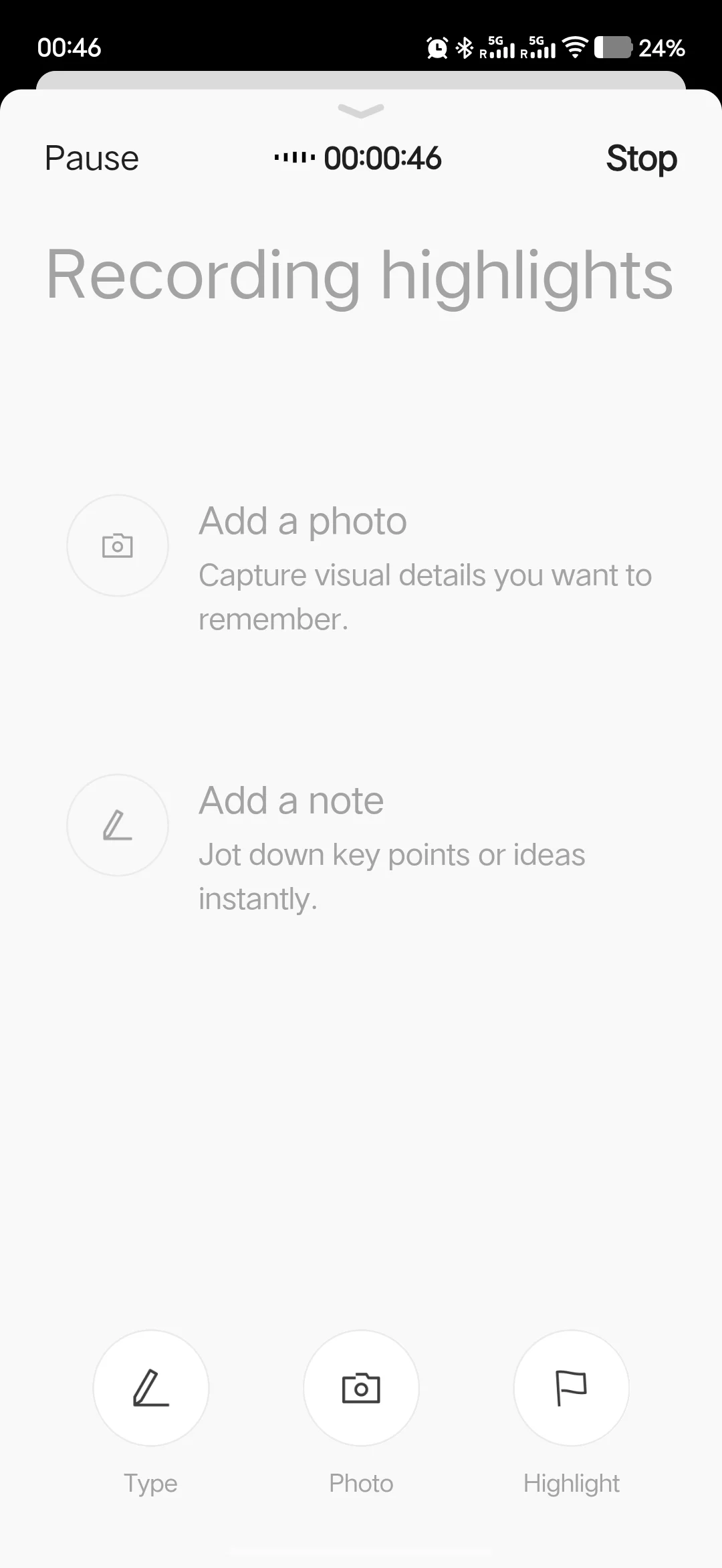
One feature I ended up using more than expected was Highlights.
During a meeting, you can tap a button whenever something important happens.
Maybe the team agrees on a deadline.
Maybe a major decision gets finalized.
Maybe someone assigns tasks.
Later, those highlights appear directly inside the transcript, making it much easier to review key moments.
Another feature worth mentioning is image integration.
Let’s say you’re discussing a project roadmap drawn on a whiteboard.
You can take a photo through the app and link it directly to the ongoing discussion.
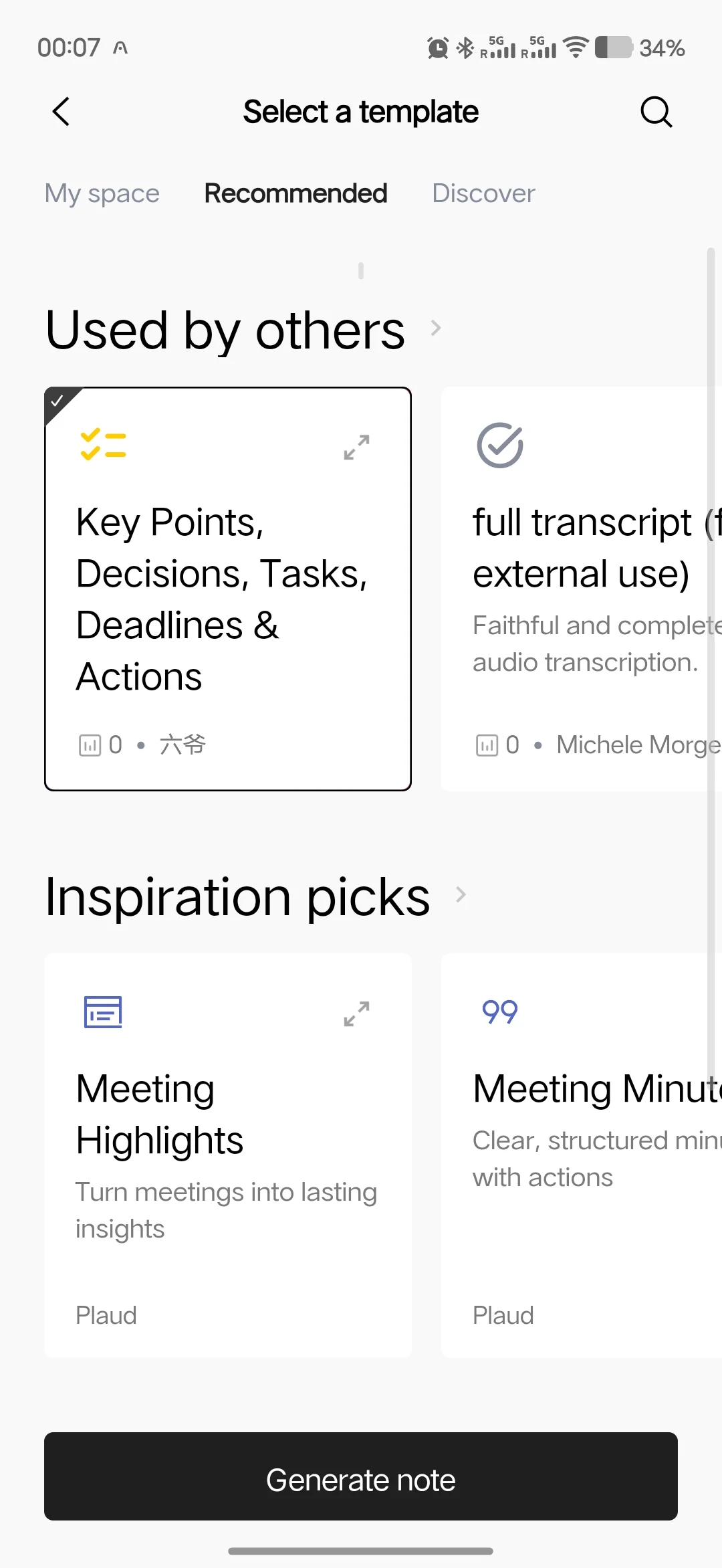
Later, when reviewing notes, you’ll see both the image and the conversation tied together.
It’s a surprisingly useful way to preserve context.
Recording Quality
The Note Pro uses a four-microphone system capable of picking up voices from up to five meters away.
In practice, recording quality is excellent.
I tested it in conference rooms, small meeting spaces, and even coffee shops.
The recordings remained clear enough for highly accurate transcription, which is ultimately what matters most.
This isn’t a device aimed at producing studio-quality audio.
Its purpose is capturing speech accurately enough for AI processing.
And for that task, it performs very well.
Even conversations involving multiple participants were transcribed with impressive accuracy.
Why Not Just Use Your Phone?
This is probably the most important question potential buyers should ask.
After all, modern phones can already:
- Record audio
- Store files
- Generate basic transcripts
- Use AI assistants
So why buy another device?
The answer isn’t recording.
It’s workflow.
When your phone records a meeting, you still need to organize everything afterward.
You need to review recordings.
You need to find key points.
You need to summarize discussions.
You need to identify action items.
You need to remember who said what.
The Plaud ecosystem automates much of that process.
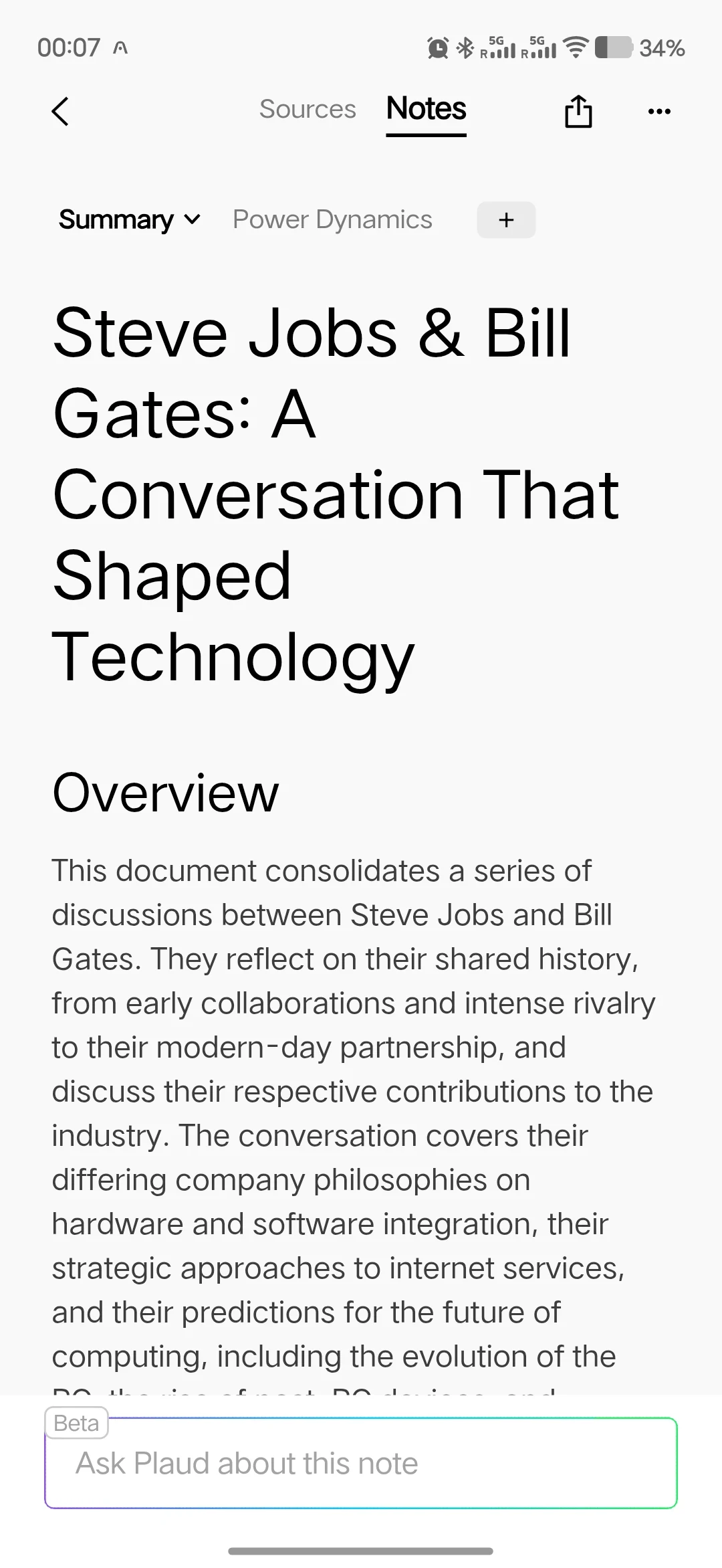
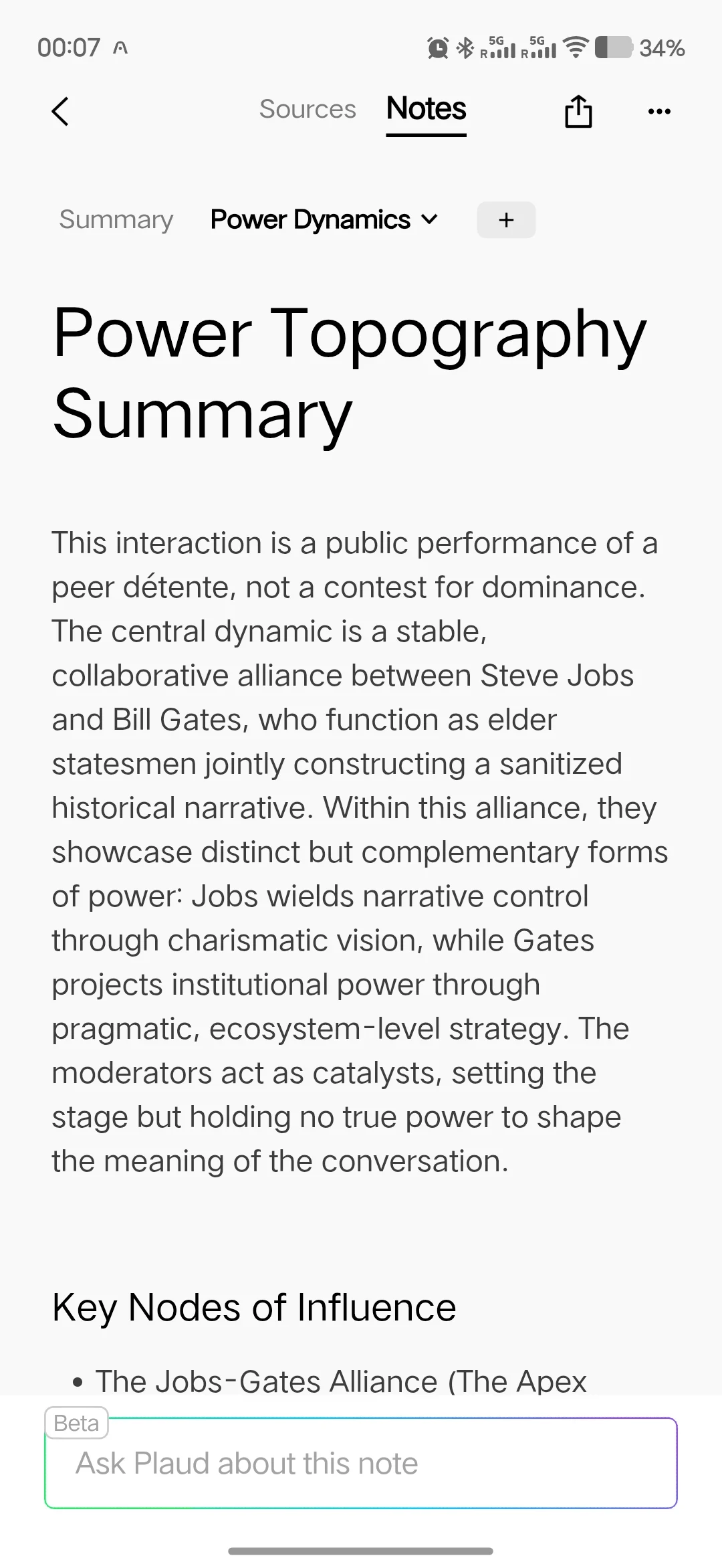
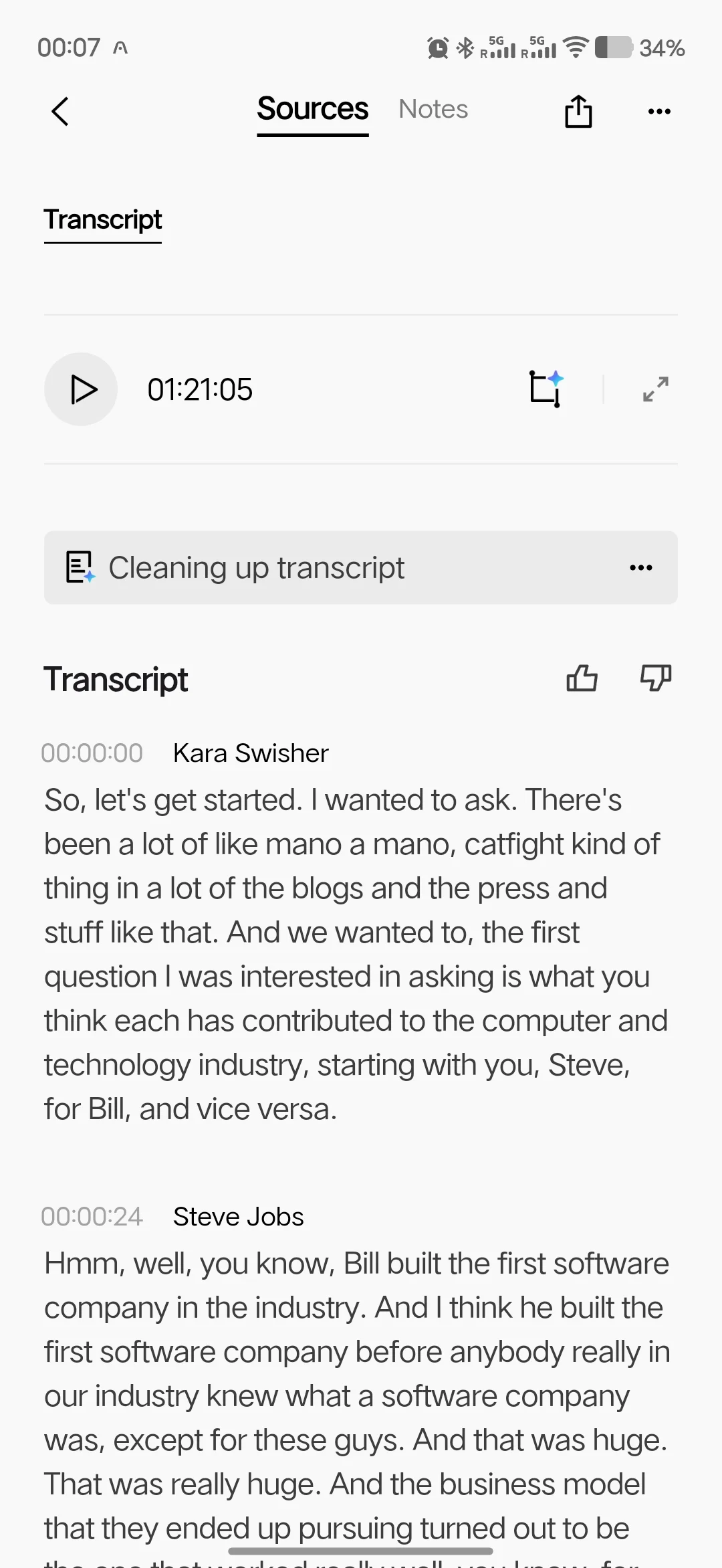
After finishing a one-hour meeting, I was often greeted with:
- A full transcript
- A meeting summary
- Key discussion points
- Action items
- Speaker identification
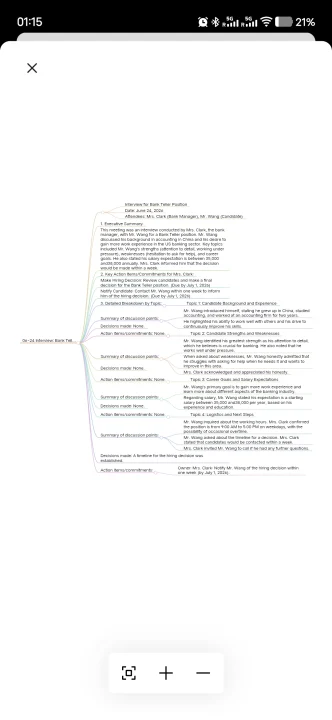
- Mind maps
Instead of listening to an hour-long recording again, I could spend a few minutes reviewing the summary.
That’s where the value comes from.
The recorder saves time not during the meeting, but after it.
The AI Features
This is where the Plaud Note Pro earns its price.
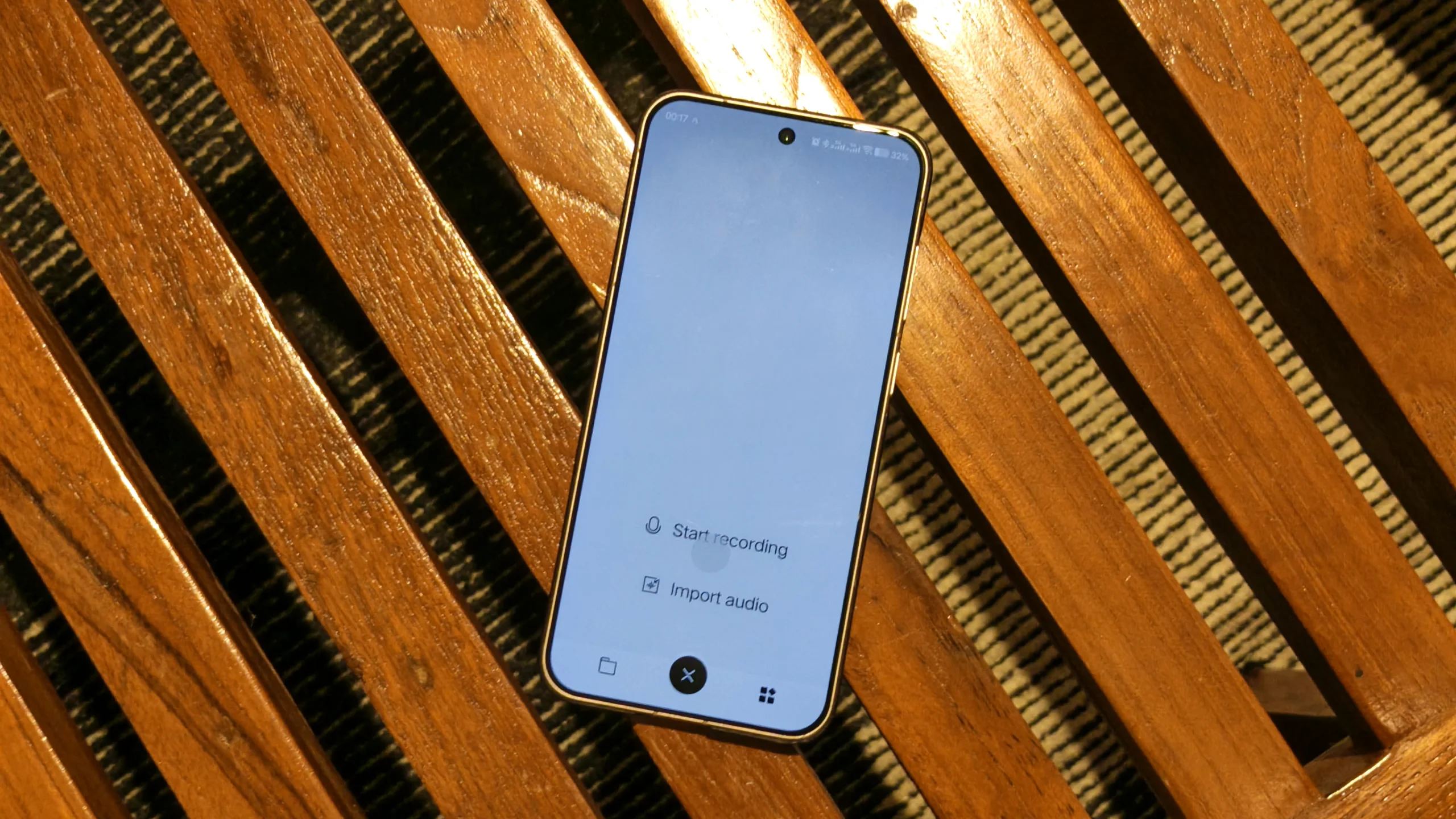
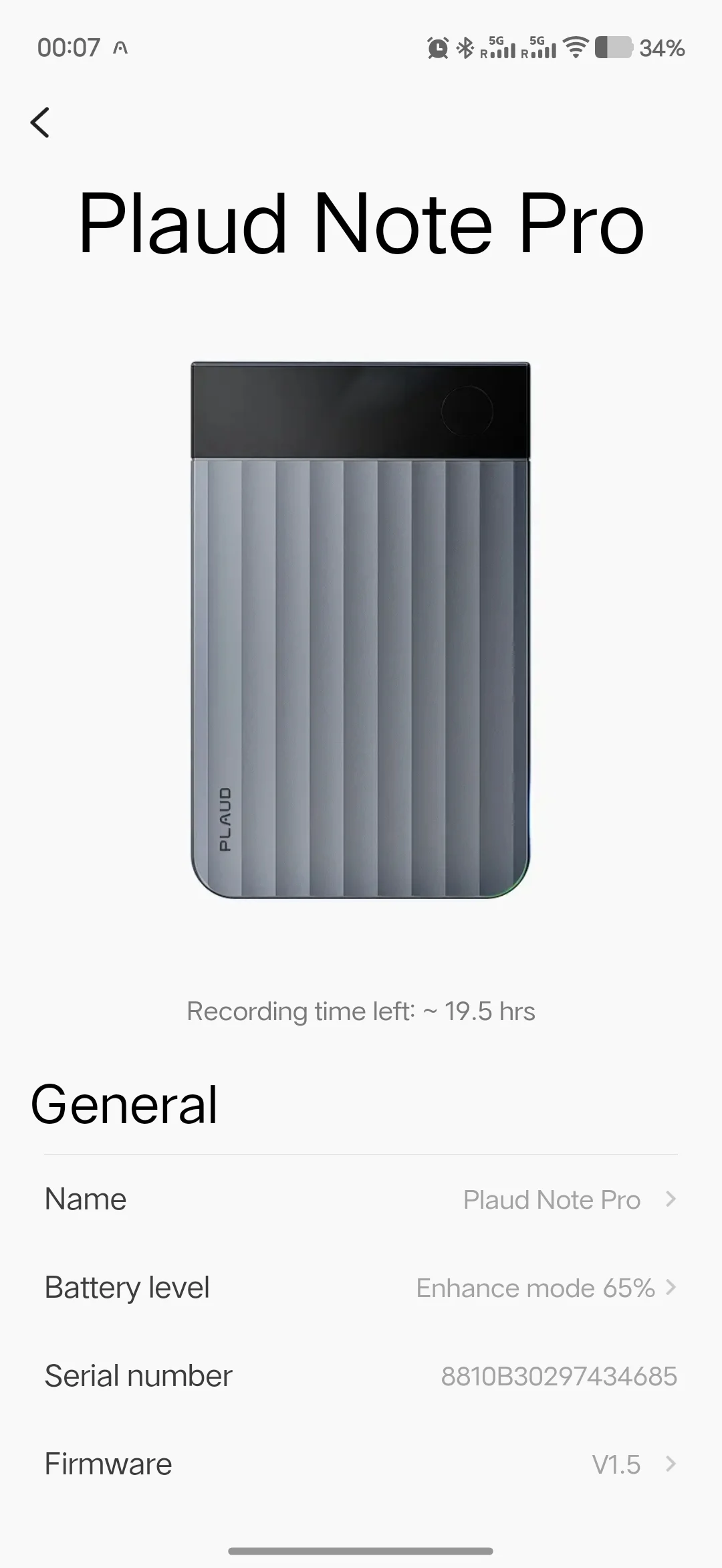
The device integrates with advanced AI models including GPT, Claude, and Gemini to process recordings.
Once a recording finishes uploading, the app can generate several outputs.
AI Summaries
Probably the feature I used most.
Instead of reviewing an hour-long conversation, the AI condenses everything into an organized summary.
For busy professionals, this alone can save significant time every week.
Speaker Identification
The system can distinguish between multiple speakers and assign names to participants.
This becomes extremely useful during interviews and team meetings.
Mind Maps
At first, I thought this feature sounded gimmicky.
Then I used it.
For brainstorming sessions, the generated mind maps make it easy to visualize how ideas connect with one another.
It’s particularly useful when discussions jump between topics.
Ask Plaud
Think of this as ChatGPT trained on your recordings.
Instead of searching manually through transcripts, you can ask questions like:
“What action items were assigned during the marketing meeting?”
“What was the final deadline discussed?”
“What did the client say about the budget?”
The AI pulls answers directly from your recording archive.
As your library grows, this becomes one of the most powerful features of the platform.
Who Is It For?
While students can certainly benefit from recording lectures and reviewing AI-generated summaries before exams, I think the Plaud Note Pro makes even more sense for professionals.
Think about a typical two-hour lecture.
For sales teams, every client meeting can automatically become searchable meeting notes complete with action items and follow-ups.
Consultants who spend their day in workshops and discovery sessions can quickly revisit discussions without replaying lengthy recordings.
Healthcare professionals can organize consultation notes more efficiently, provided local regulations and patient consent requirements are observed.
Content creators and journalists will probably appreciate it the most.
During interviews, I found myself focusing entirely on the conversation instead of constantly worrying about taking notes. Later, finding quotes inside the transcript took only seconds.
In short, anyone whose work revolves around conversations is likely to benefit from what the Note Pro offers.
Industry Recognition
Plaud has grown into one of the more recognizable names in the AI note-taking space.
According to the company, its products are trusted by more than 2 million professionals globally and have received multiple international design awards, including the Red Dot Winner 2025, iF Design Award 2024, and Good Design Award 2024.
The company has also been featured by publications such as Forbes, WIRED, TechRadar, Fox News, Engadget, and ZDNET, reflecting growing recognition of both its hardware and AI platform.
Battery Life
Battery performance is one of the strongest aspects of the device.
Plaud claims up to 60 days of standby time, and based on my experience, battery anxiety was never a concern.
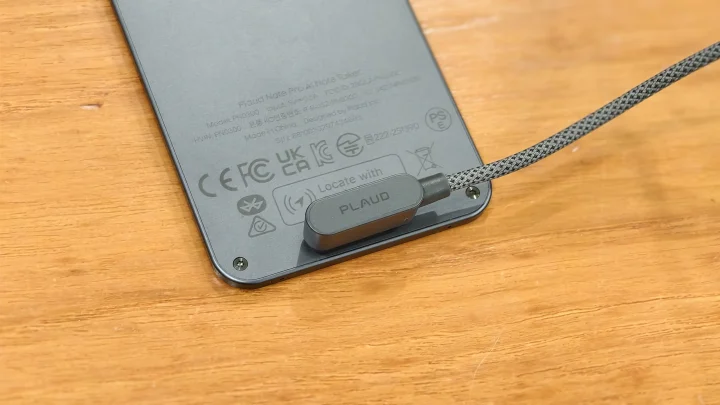
Even with frequent recordings, charging was rarely necessary.
This is the kind of device you can throw into a bag and largely forget about until you need it.
Pricing and Subscription Plans in the Philippines
The Plaud Note Pro is officially available in the Philippines through Plaud’s official Shopee Shopee → and Lazada stores.
YugaTech readers can also enjoy an exclusive 5% discount on Shopee using the promo code: PLAUYGT
For Lazada, click the link for an exclusive voucher.
For those considering other models, Plaud also offers the standard Plaud Note, Plaud NotePin, and Plaud NotePin S, each designed for different recording scenarios ranging from hybrid work to hands-free wearable recording.
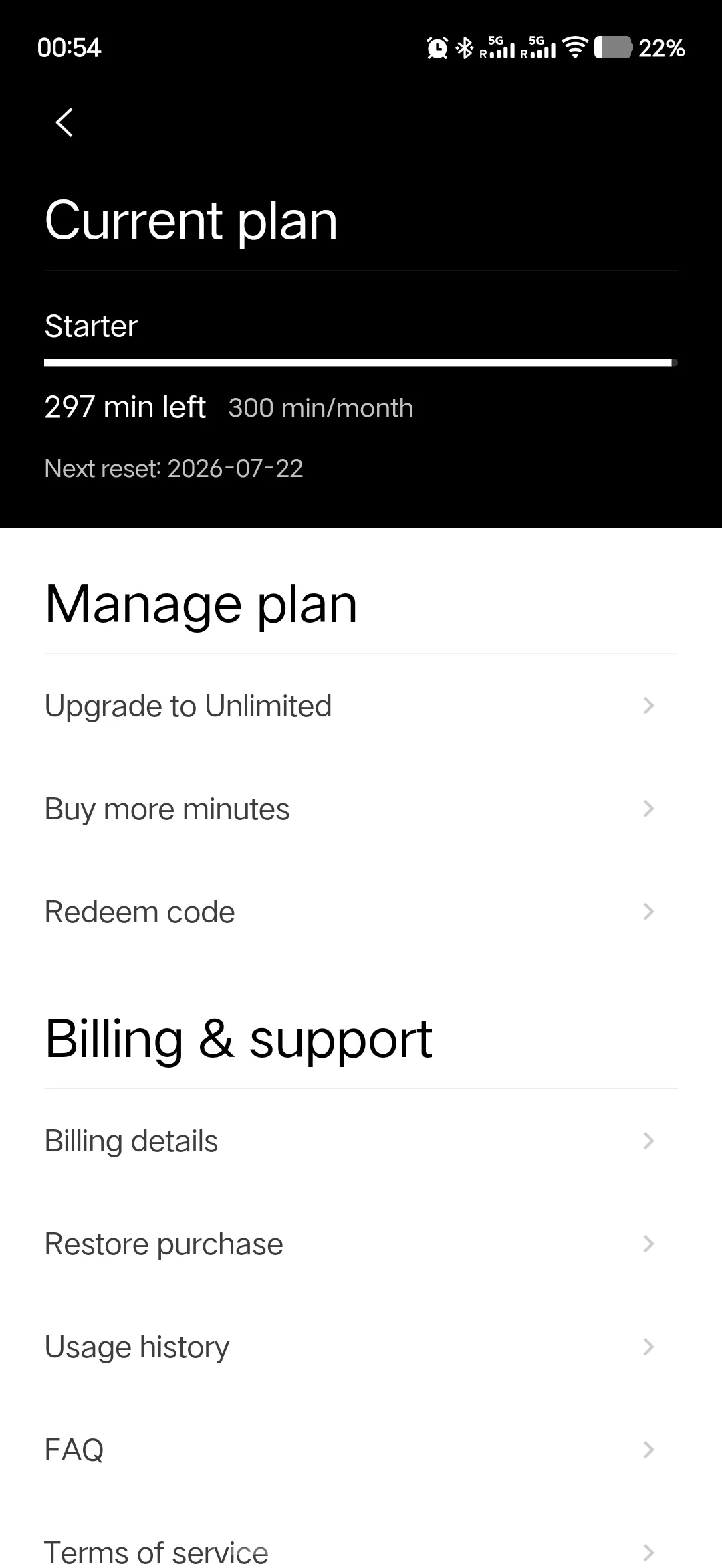
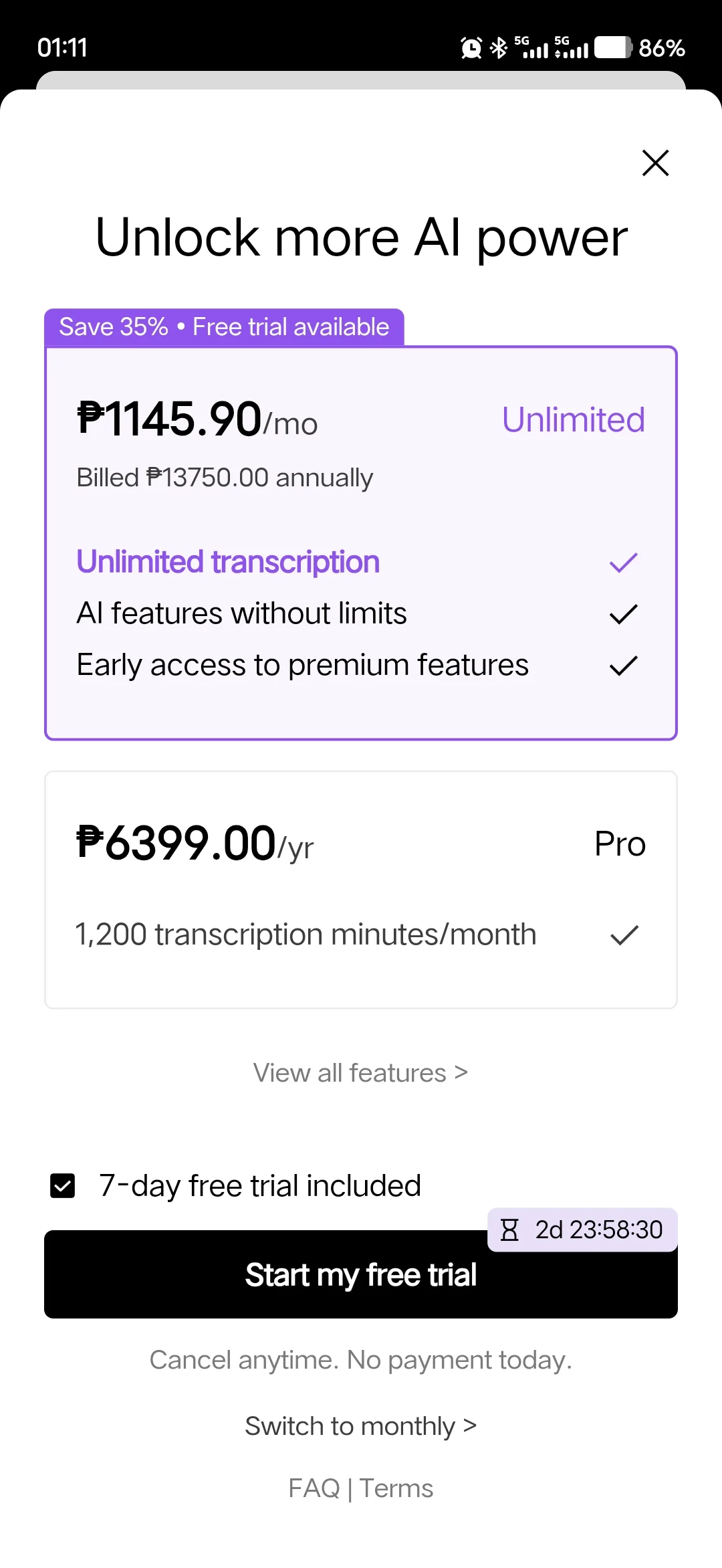
The hardware includes access to the free Starter Plan, which comes with 300 transcription minutes per month—an allowance that should be sufficient for many users with a relatively typical meeting load. Users who record more frequently can upgrade to the Pro or Unlimited plans for additional transcription minutes and expanded AI capabilities.
Conclusion
The Plaud Note Pro isn’t a recorder competing against your phone.
It’s a productivity tool competing against your time.
Yes, your smartphone can record meetings.
But it won’t automatically organize, summarize, identify speakers, generate mind maps, and answer questions about conversations weeks later.
That’s the difference.
After using the device, I found myself spending less time reviewing recordings and more time acting on the information they contained.
For professionals, students, journalists, content creators, researchers, consultants, and anyone whose work revolves around conversations, the Plaud Note Pro offers a compelling solution that goes beyond simple recording.
What we like
- Build quality and compact size
- AMOLED information display
- Recording quality
- App integrations
- Accurate transcription
- Battery life
- Easy setup and onboarding
What we don’t like
- Premium pricing compared to traditional voice recorders
Plaud Note Pro specs:
AMOLED Display
Corning Gorilla Glass Protection
Credit Card-Sized Design
4-Mic Array Microphones
Dedicated VPU Processor
Up to 5-meter Voice Pickup Range
Bluetooth 5.4 Connectivity
Dual-Band Wi-Fi (2.4GHz / 5GHz) Connectivity
Vibration Conduction Call Recording
Up to 30 Hours (Enhanced Mode) Recording Time
Up to 50 Hours (Endurance Mode) Recording Time
Up to 60 Days Standby Time
Cosmic Gray Colorway



0 Comments
Leave a Reply