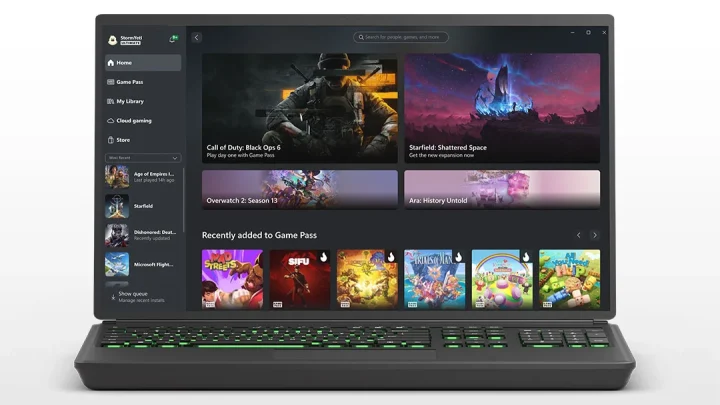
Microsoft has updated the Xbox app on Windows to allow manual importing of games and apps.
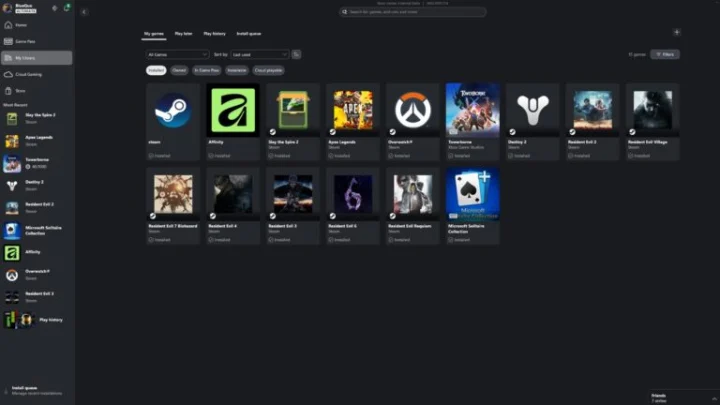
With the new feature, users can add third-party titles directly into their Xbox Library, even if they were not downloaded from the Microsoft Store or Xbox platform.
This means games from other launchers or standalone installations can now appear alongside Xbox titles in a single interface, making the app more flexible as a unified game library.
Previously, the Xbox PC app was largely limited to content from Microsoft’s own ecosystem. The update removes that restriction, giving users more control over how they organize and access their games.
The change aligns the Xbox app more closely with other PC gaming launchers that support centralized libraries, allowing players to manage multiple titles from one place.
How to manually add games to Xbox PC app:
Open the Xbox app on your PC
Go to your Library
Click on “Add a game” or “Add a non-Xbox app”
Browse and select the game or application file (.exe)
Confirm to add it to your library
The game will now appear alongside your Xbox titles
Anton is into technology and gaming, with a growing interest in creative, tech-driven projects. He enjoys writing, editing, and experimenting with new tools, always learning and improving as he goes. Curious by nature, he likes building ideas, testing things out, and seeing where they lead.






0 Comments
Leave a Reply