

One of the few pieces of information needed for the SIM Registration Act, aside from the personal data, is the SIM Card Serial Number.
The SIM card has a unique code called the ICCID, which is found printed on the card or programmed into it. The ICCID is the same as SIM serial number (SSN).
The ICCID stands for Integrated Circuit Card Identification Number. It’s a unique 18-22 digit code that includes a SIM card’s country, home network, and identification number. You’ll usually find an ICCID printed on the back of a SIM card, but sometimes it’s included in the packaging materials instead.
Is the serial number the same as the IMEI?
No. The IMEI (International Mobile Equipment Identity) is technically the serial for the mobile device and not the SIM card.
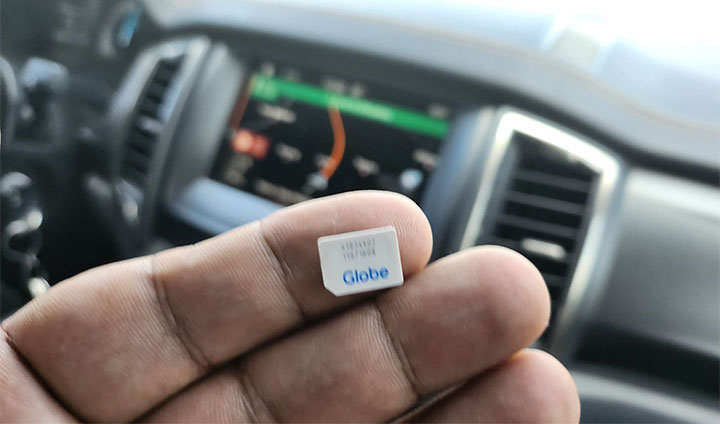
If the device has two SIM slots, it will have two IMEI for each slot. If the dual-SIM device supports an eSIM, it will have two IMEI and an EID (there serial number for the eSIM).
Where can I find the serial number of my SIM?
1) SIM Card Tray
The SIM tray that came with your SIM card has the serial number printed at the back.

Even with the newer nano SIM cards, the serial numbers also appear on the back side of the gold strips.
2) On your Smartphone
If your SIM is already inserted on your smartphone, you can go to Settings -> About -> Status information -> SIM Status and look for the ICCID.
3) App
Some apps are able to read the ICCID so you don’t need to remove your SIM card to get the serial number.
4) Short Codes
Try dialing #06# and you should get some information about your IMEI and EID numbers.
How about eSIM?
An EID (Embedded Identity Document) is a 32-digit serial number attached to a device that uses an eSIM. You will see in your smartphone by following the steps in #2.







Puk sim card