

Three new features that Google has added to Chrome are designed to enhance document handling and multitasking from within the browser.
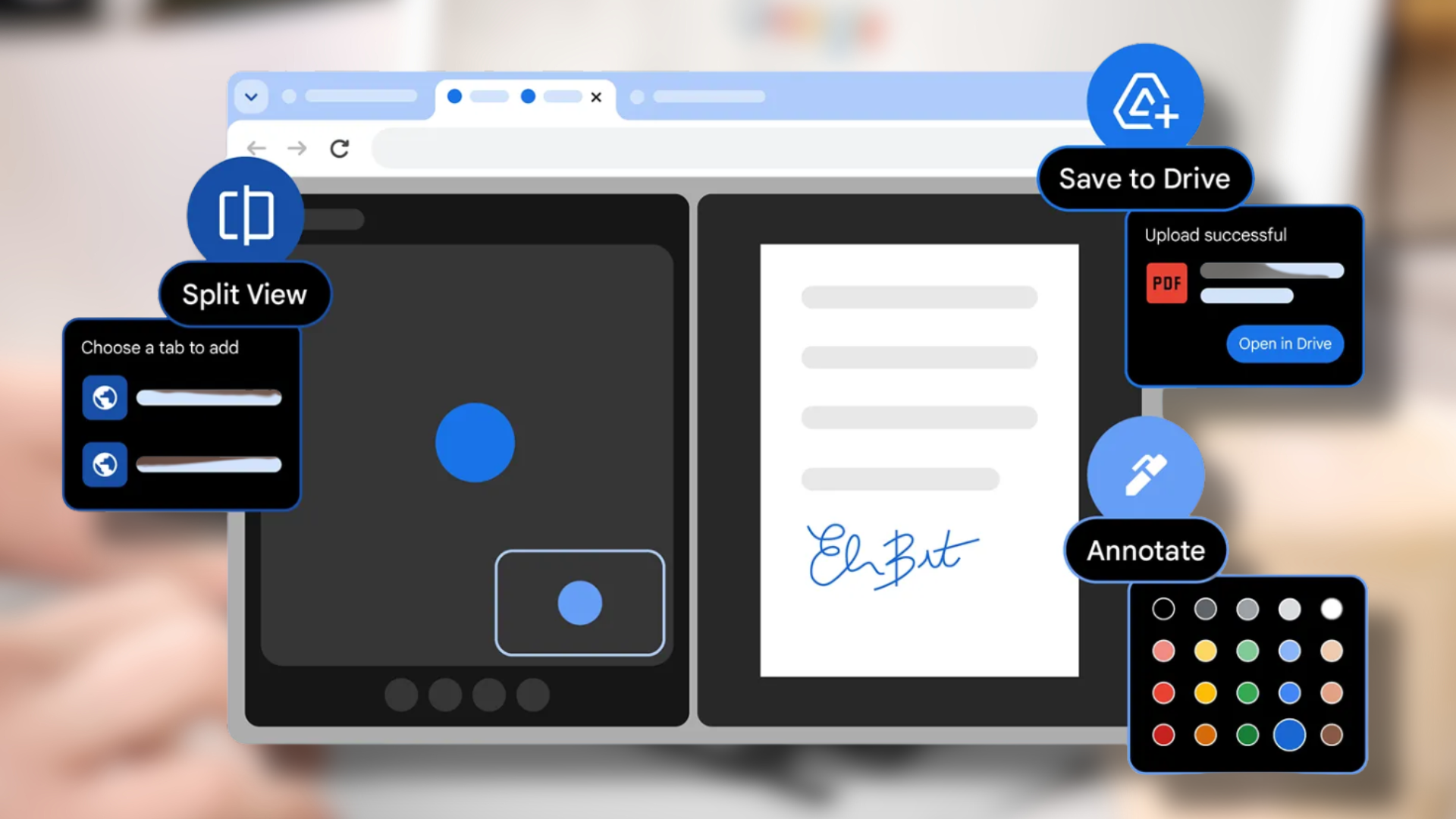
The most important new feature of the software update enables users to open two tabs simultaneously in one window through Split View. Users can compare information while taking notes during video watching and reviewing references for coding and document work because this feature eliminates the need to toggle between different tabs and windows.
Users now have access to annotation features through Chrome’s PDF viewing tool which operates inside the browser. Users can highlight text and add notes directly inside PDF files without downloading them or opening separate apps. This feature serves two purposes, which include evaluating reports and marking school materials and digitally signing documents.
The latest software update enables users to perform direct PDF document saving operations to their Google Drive accounts. The new system allows users to save PDF files directly into a special folder named “Saved from Chrome” without needing to download and upload files themselves.
These features are rolling out gradually to personal and enterprise users via the latest Chrome update.






0 Comments
Leave a Reply