infinix x yugatech

Google Chrome 新增多任务处理和 PDF 功能

Listen to article

Google为Chrome新增的三项功能旨在提升浏览器内的文档处理与多任务处理能力。
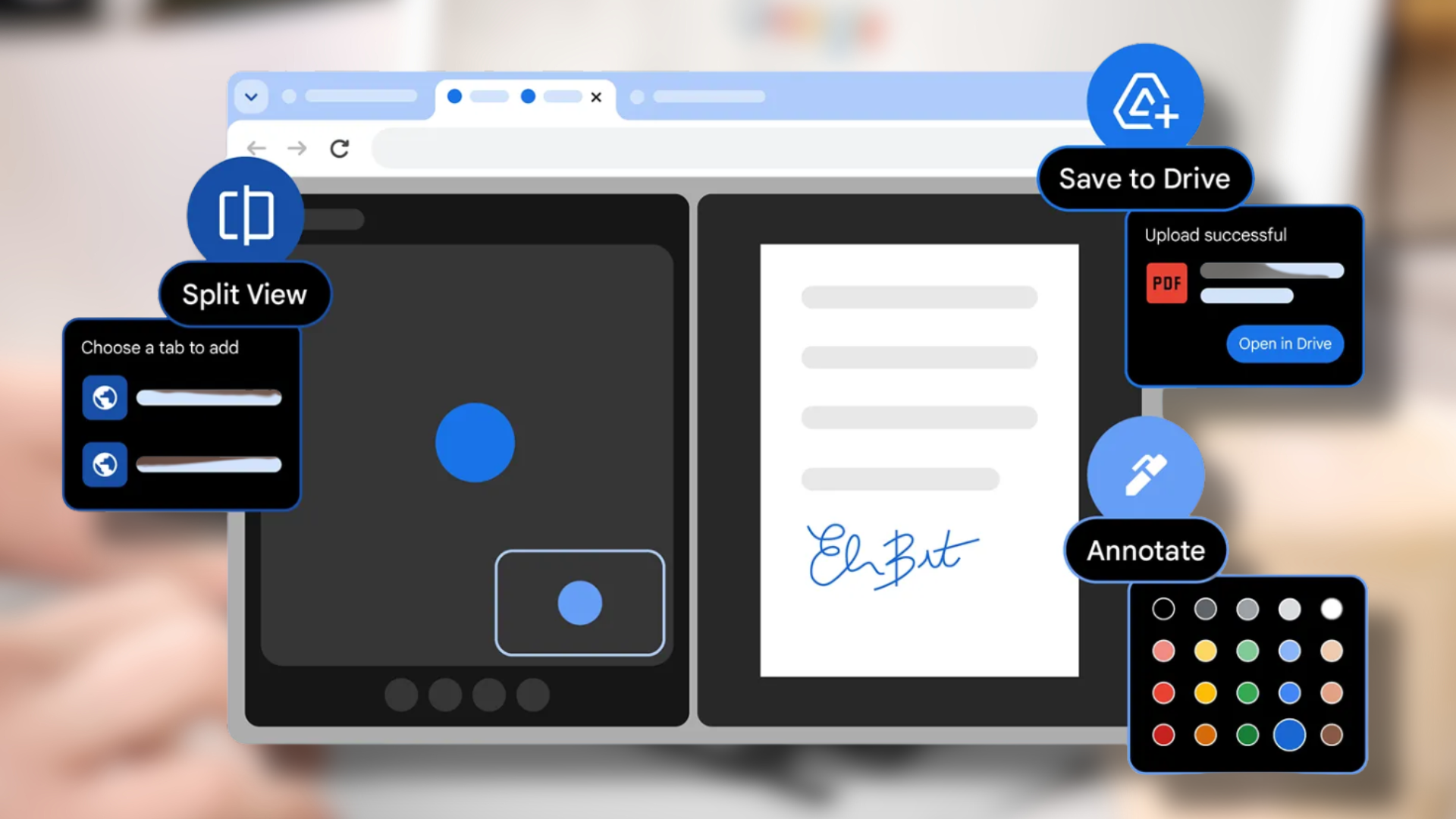
此次软件更新中最重要的新功能是通过“分屏视图”(Split View)允许用户在一个窗口内同时打开两个标签页。该功能消除了在不同标签页和窗口间切换的需要,使用户能够在观看视频时记笔记、查阅参考资料以进行编码或文档工作时同步对比信息。

用户现在可以通过 Chrome 内置的浏览器 PDF 查看工具使用注释功能。用户可以直接在 PDF 文件中高亮文本并添加笔记,无需下载文件或打开独立应用程序。此功能服务于两个目的:评估报告和标记学校材料,以及为文档进行数字签名。

最新软件更新使用户能够直接将 PDF 文档保存到其 Google Drive 账户。新系统允许用户将 PDF 文件直接保存到一个名为“来自 Chrome 的保存项”的特殊文件夹中,无需自行下载和上传文件。

这些功能正通过最新的 Chrome 更新逐步向个人用户和企业用户推出。

React to this article:
Written by
Erl Burtanog

Erl Burtanog

Senior Writer

Erldian Burtanog is a Communication Arts graduate who brings a fresh perspective to the world of technology. His curiosity and passion for storytelling have led him to cover the latest in tech, innovation, and digital trends. He specializes in video production, editing, and writing, and has covered events both locally and internationally for YugaTech. Outside of tech journalism, he creates fashion content and pursues his interest in styling, blending creativity with media and storytelling.

View all posts by Erl Burtanog →

0 Comments

Leave a Reply

Loading next article...