
Apple dropped iOS 27 beta 1 right after the WWDC 2026 keynote, and yes, the new Siri AI is in there. But don’t get too excited just yet. You can’t use it straight away.
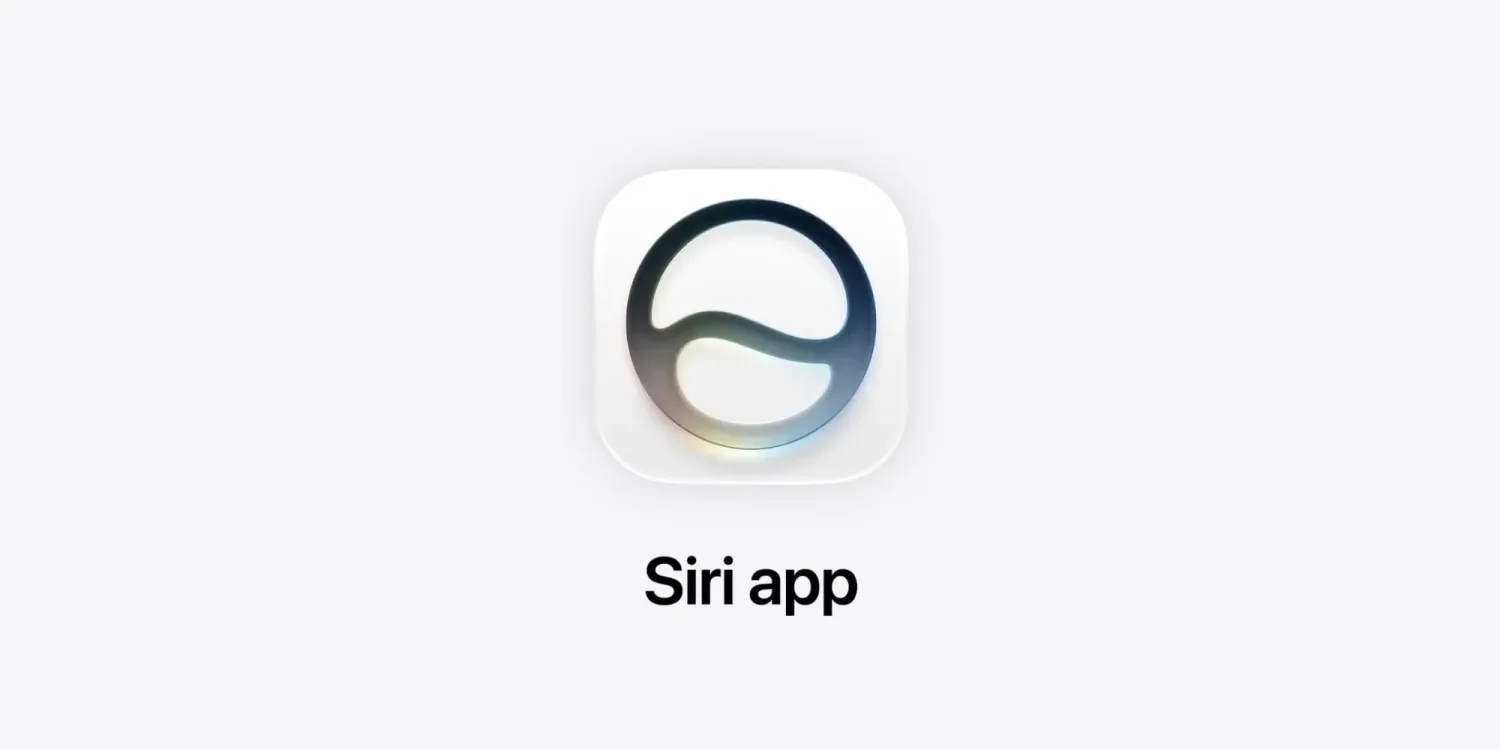
Apple is putting the new Siri AI behind a waitlist, much like what they did with Apple Intelligence back in iOS 18.1. So even if you’re a developer with the beta installed, you still have to raise your hand and get in line.
Here’s how to join:
- Open Settings
- Go to the new Siri section
- Tap “Join Waitlist”
- Follow the prompts
Once you’re in, Apple will notify you when the new Siri is ready on your device. No ETA given, though.
So what’s new with Siri AI exactly?
It’s a major overhaul. Apple is turning Siri into a full-on conversational AI, closer to what ChatGPT or Gemini does.
There’s now a standalone Siri app, which you can use for back-and-forth conversations. Siri can also pull context from your messages, emails, calendar, and app usage to better understand what you need and actually act on it.
Chat history syncs across your Apple devices via iCloud, and you can set it to auto-delete after 30 days, a year, or never. Apple is also reportedly showing a new Dynamic Island animation when you invoke the new Siri.
This is a big deal for Apple, because let’s be honest, Siri has been falling behind for years now. Google Assistant, ChatGPT, and even Samsung’s Galaxy AI have been lapping it in everyday usefulness. With iOS 27, Apple is clearly trying to close that gap.
Whether it actually delivers, we’ll have to wait and see. Literally.
iOS 27 is currently in developer beta. Public beta is expected to follow in the coming weeks, with a full release likely in September 2026.
Check also:
Apple Rebuilds Siri From Scratch and Calls It Siri AI
Apple Built Its New AI Foundation Models With Google
Image Playground, Photo Spacial Reframe and New Editing Tools in iOS 27
Apple Puts a Siri Camera Mode on iPhone, Visual Intelligence Across All Platforms
Safari Gets AI Tab Organization, Notify Me, and Custom Extensions in iOS 27
Apple Intelligence Comes to Messages, Mail, Calendar, Phone App
watchOS 27 and visionOS 27 Get Siri AI and New Interfaces
Apple Overhauls Child Safety with New Parental Controls in iOS 27
iOS 27 Performance Upgrades and still supports iPhone 11
iOS 27 Fixes Liquid Glass and Brings Design Refinements
macOS Golden Gate Is Apple’s New Desktop OS




0 Comments
Leave a Reply