


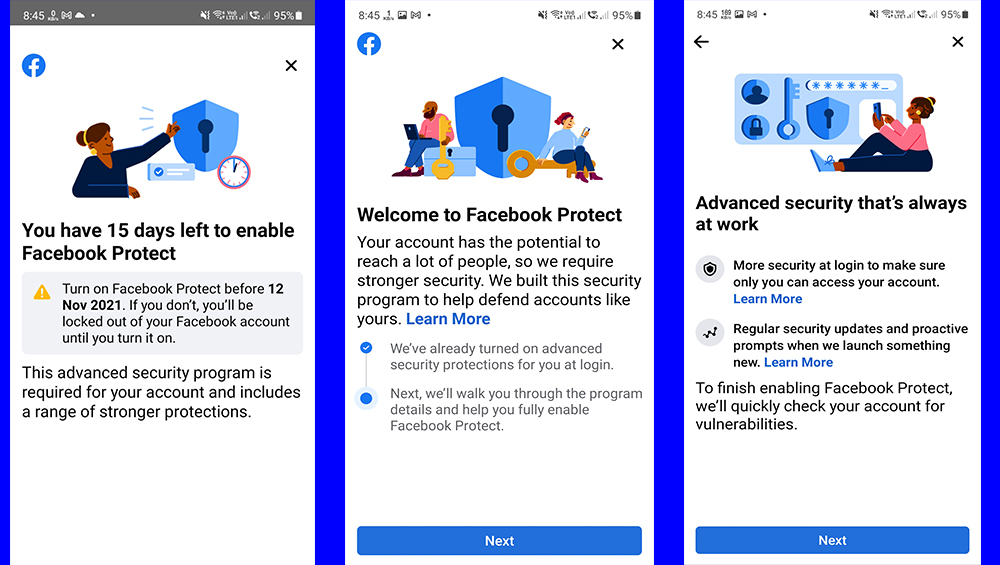
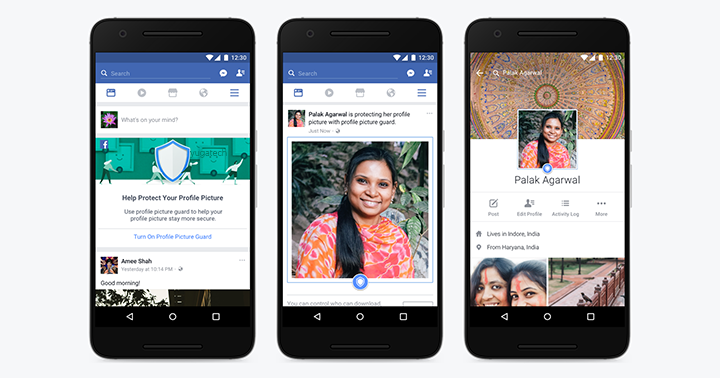

Facebook is now rolling out a feature for added security for its users in the Philippines called Facebook Protect. Facebook Protect provides additional security for users' accounts and pages, and by enrolling, accounts will have stronger security protections such as two-factor authentication, and user’s pages will be monitored for potential hacking threats. All Page admins of enrolled Pages will be required to go through Page Publishing Authorization to ensure the security of the Page, regardless of whether or not individual Page admins choose to enroll in this program. Users can use their Google accounts for two-factor authentication or their mobile number for added security. For users who don't get the prompt to activate Facebook protect, all you have to do is go to Settings & Privacy on your Facebook app, tap on Settings, tap on Password and Security, tap on Facebook Protect if it's off. All users have to do is follow the steps to turn on additional security measures such as two-factor authentication. With the trend towards adding extra security layers on top of your passwords, these unscrupulous individuals have devised schemes to trick would-be victims into divulging these credentials to access your account. Two-factor authentication is a security feature that adds another layer of protection to your account by making it harder for attackers to access a person's devices or online accounts. Read more in our articles including "India gov’t to investigate realme’s usage data collection feature that is enabled by default" and "TikTok strengthens safety features to protect younger users".
Last week, an Indian citizen took to Twitter his discovery of a feature of his…
Jun 19, 2023
TikTok has strengthened its app experience through another safety update, this time to protect the…
Nov 4, 2021
Facebook is now rolling out a feature for added security for its users in the…
Oct 28, 2021
Have you wondered what’s behind the news about scammers going after a specific six-digit code…
Oct 9, 2020
If you are familiar with Maslow’s Hierarchy of Needs, you know that security is one…
Apr 4, 2020
Scam and Troll days may be soon over: Facebook is rolling out a new feature…
Jun 22, 2017Facebook is now rolling out a feature for added security for its users in the Philippines called Facebook Protect. Facebook Protect provides additional security for users' accounts and pages, and by enrolling, accounts will have stronger security protections such as two-factor authentication, and user’s pages will be monitored for potential hacking threats.
All Page admins of enrolled Pages will be required to go through Page Publishing Authorization to ensure the security of the Page, regardless of whether or not individual Page admins choose to enroll in this program. Users can use their Google accounts for two-factor authentication or their mobile number for added security. For users who don't get the prompt to activate Facebook protect, all you have to do is go to Settings & Privacy on your Facebook app, tap on Settings, tap on Password and Security, tap on Facebook Protect if it's off.
Our coverage of security includes: "India gov’t to investigate realme’s usage data collection feature that is enabled by default"; "TikTok strengthens safety features to protect younger users"; "Facebook Protect rolls out to users in the Philippines". Each article provides unique insights and information.