






Microsoft Windows is also banned with other foreign databases, with China favoring domestic solutions. But when it comes to your Mac or Windows PC, are you doing it right? Capturing a screenshot on Windows Let’s start first with Windows PC. Using the Print Screen key and Paint combo is now probably an ancient way on getting a screenshot on Windows. On Windows 11, you can also remove the image background (although this isn’t quite polished based on my experience). Launch the Snipping Tool by either searching or finding it in the Apps list or pressing Windows key + Shift + S on your keyboard. THE fastest way to capture a screenshot on Windows If you want to get rid of all the hassle, then there’s one thing that your Windows PC is not telling you: Windows key + Print Screen. By pressing Windows + Print Screen keys, your screen dims for a split second — indicating that a screenshot has just been captured. Read more in our articles including "Qualcomm announces Snapdragon C platform for entry-level laptops" and "Intel and AMD processors have been banned from China".
Qualcomm has announced the Snapdragon C platform, a new processor designed for entry-level laptops priced…
Jun 3, 2026
China has banned Intel and AMD processors from China amid new guidelines to favor ‘domestic…
Mar 26, 2024
Making a screenshot on our smartphones is a piece of cake — pressing only the…
Feb 12, 2024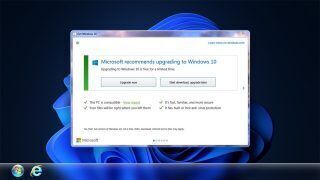
Microsoft has finally closed the chapter on the Windows 10 and Windows 11 free upgrade…
Sep 29, 2023
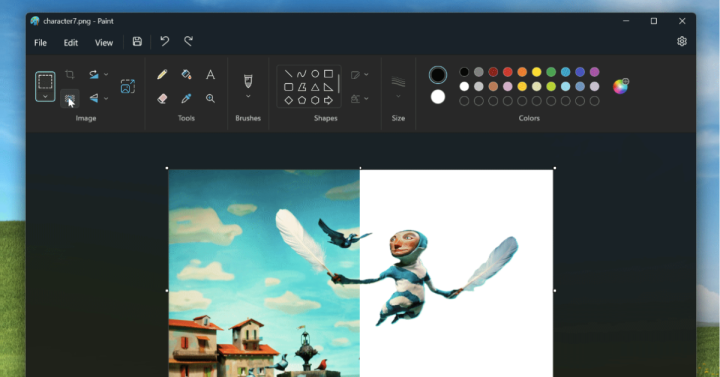
As one of the original apps on Windows, Paint has been where many have been…
Sep 9, 2023
Microsoft on Thursday has announced that it will no longer release new versions of Windows…
Apr 28, 2023Microsoft Windows is also banned with other foreign databases, with China favoring domestic solutions. But when it comes to your Mac or Windows PC, are you doing it right?
Capturing a screenshot on Windows Let’s start first with Windows PC. Using the Print Screen key and Paint combo is now probably an ancient way on getting a screenshot on Windows. On Windows 11, you can also remove the image background (although this isn’t quite polished based on my experience).
Our coverage of windows includes: "Qualcomm announces Snapdragon C platform for entry-level laptops"; "Intel and AMD processors have been banned from China"; "Capturing Screenshots on macOS & Windows: You’re Doing It WRONG". Each article provides unique insights and information.