

Xiaomi has released quite a lot of smartphones already during the first half of 2025. Aside from smartphones though, they’re also introducing the new Xiaomi TV A Pro 2026.
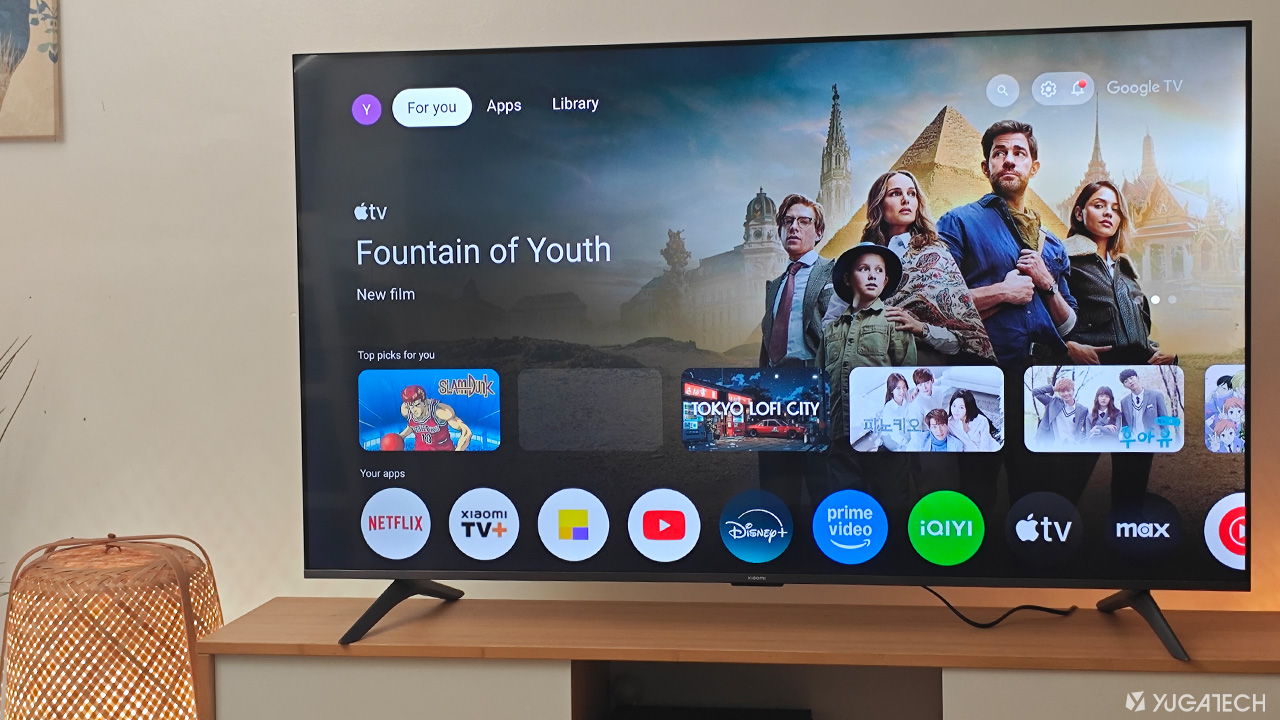
It comes as an addition to its ever-expanding Xiaomi TV A Series lineup. The one we have here is essentially a 4K QLED Google TV with all the bells and whistles. But setting aside what’s on paper, how’s the experience so far?
You’re about to find out in this review.
Design and Construction
At first glance, the Xiaomi TV A Pro 2026 certainly exudes a level of premium. The very first thing I noticed is its razor-thin bezels, and when you take a closer look, you’ll see its sleek, metallic frame.
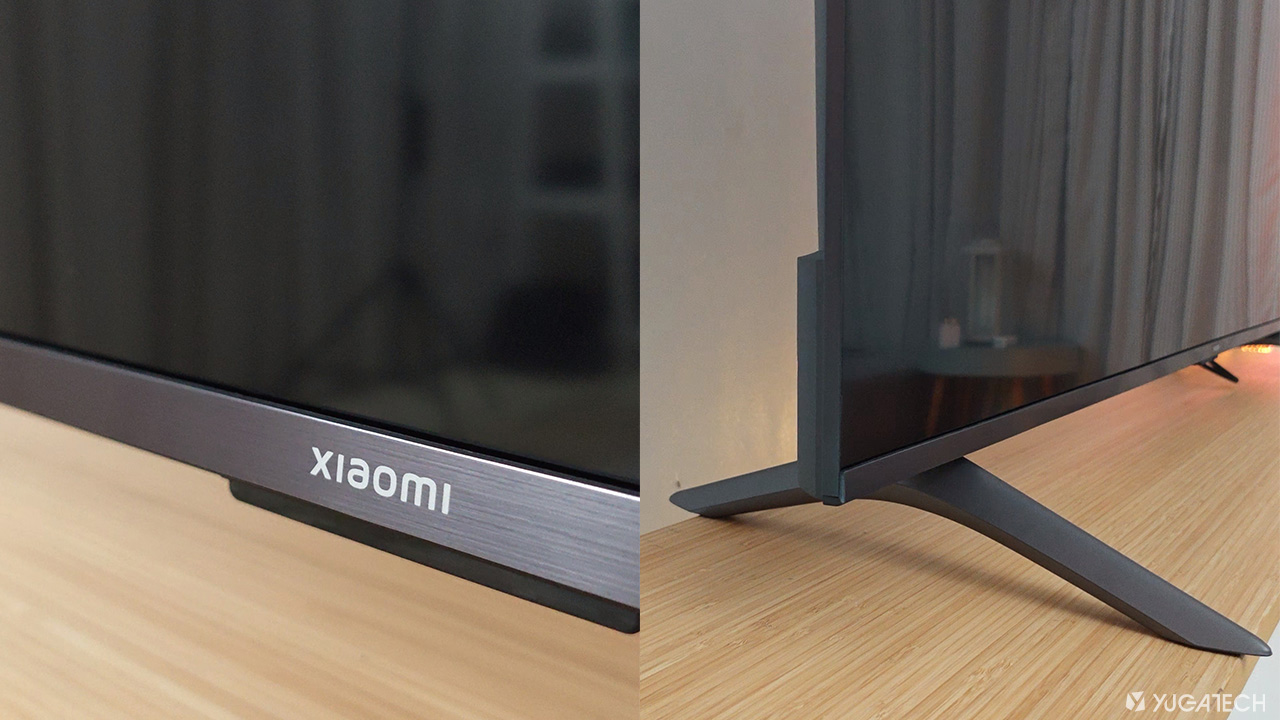
There’s the Xiaomi moniker that sits at the bottom center, and what keeps the TV standing upright are two color-matched leg stands.
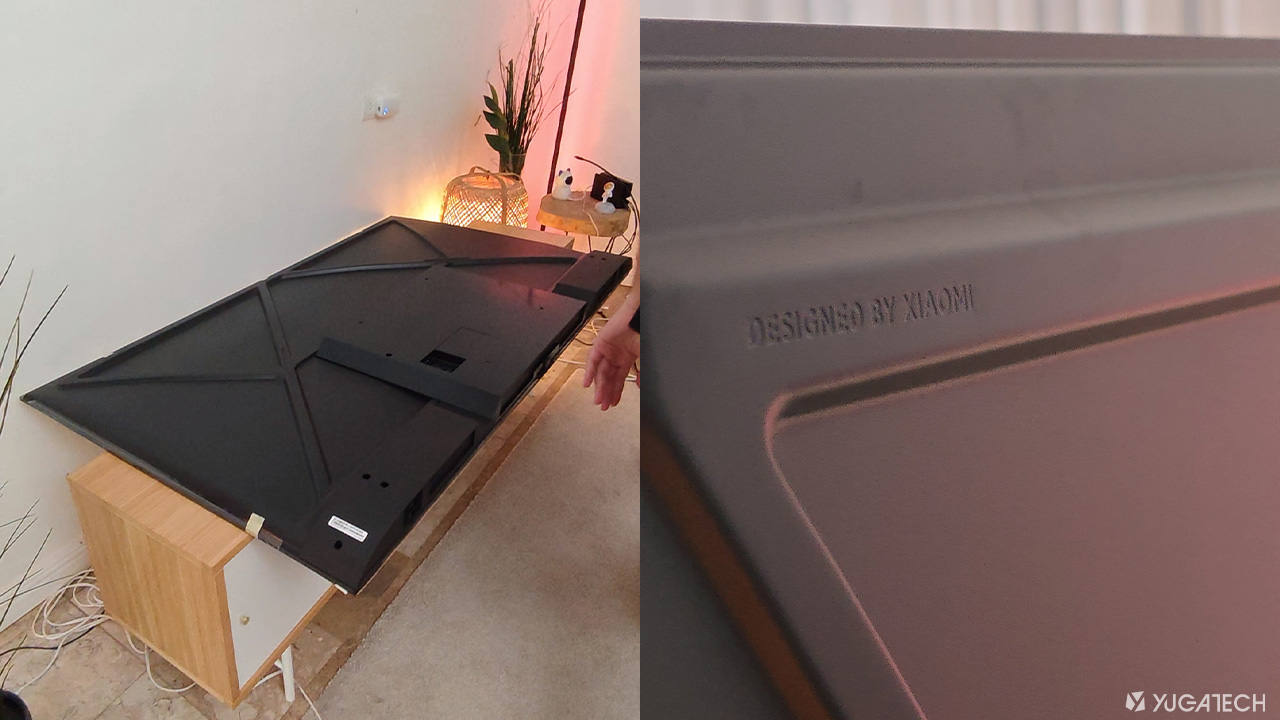
From the back, the material used for its housing feels like all plastic, but at least Xiaomi didn’t skimp on making it look nice even from the rear. While at the bottom, we can find the dual stereo speakers.
Setup and Installation
Setting up the TV didn’t take much time. All it took were four screws to securely attach the two leg stands on the TV.
If you have your own wall bracket, then you can also make use of that for this TV. (It supports wall mounts of 300 x 300 mm.)
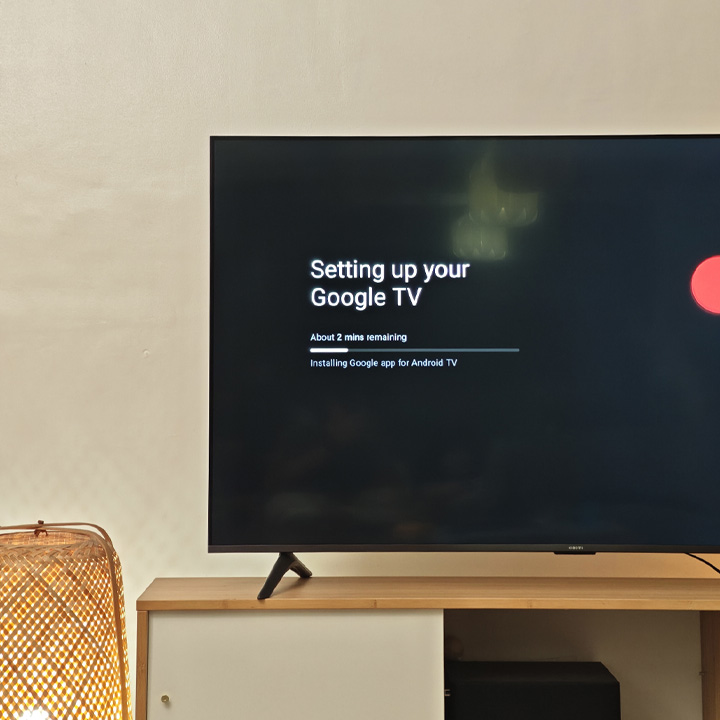
Switching it on and you’ll be greeted by the Google TV OS boot-up animation. Just like other Google TV-powered devices, the initial setup was pretty much the same.
A Google account login is required, and since I have my Google Home already set up on my phone, all I had to do is scan the QR code displayed on the TV. Just make sure you have a stable Wi-Fi connection to get a speedy setup.
The 360-degree Bluetooth remote paired easily with the TV as well.
I waited for a few more minutes for the TV to do its thing, and it was pretty much good to go.
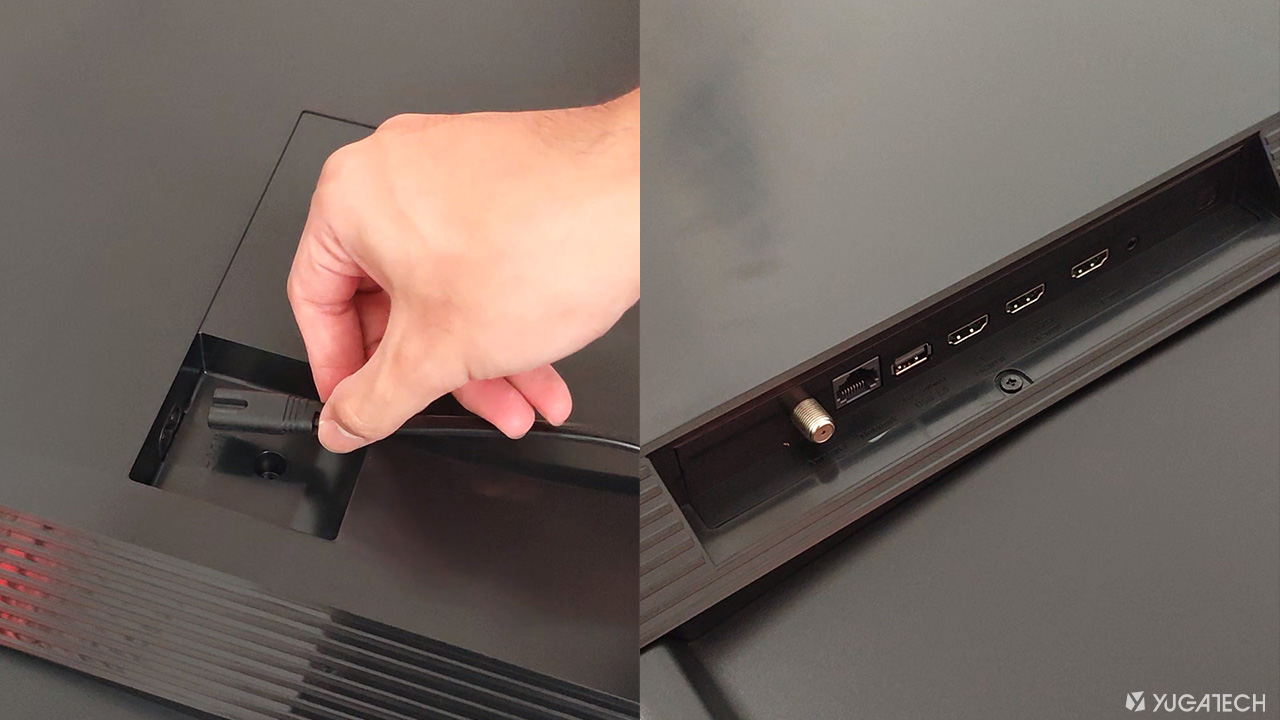
For I/Os, it has three HDMI ports, one USB 2.0, an Ethernet, composite in (AV), and the optical ports. Interestingly, the power cable goes through a separate location eliminating less clutter.
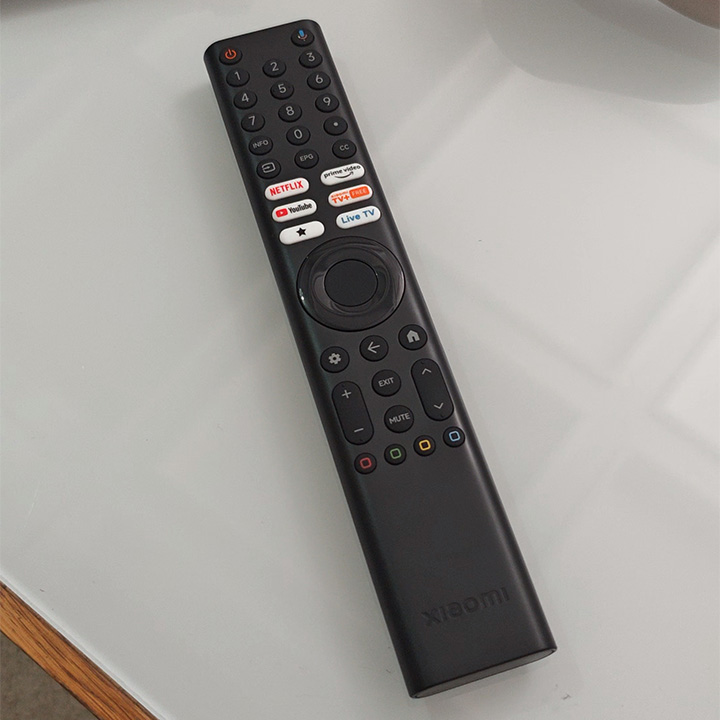
As for the remote, it is quite large, easily noticeable, and has the familiar buttons for a Google TV device.
Display and Multimedia
Our unit boasts a massive 65-inch 4K QLED display with a crisp Ultra HD resolution (3840 by 2160 pixels). The TV also comes with either smaller or bigger sizes from 43-inch to as large as 75-inch.
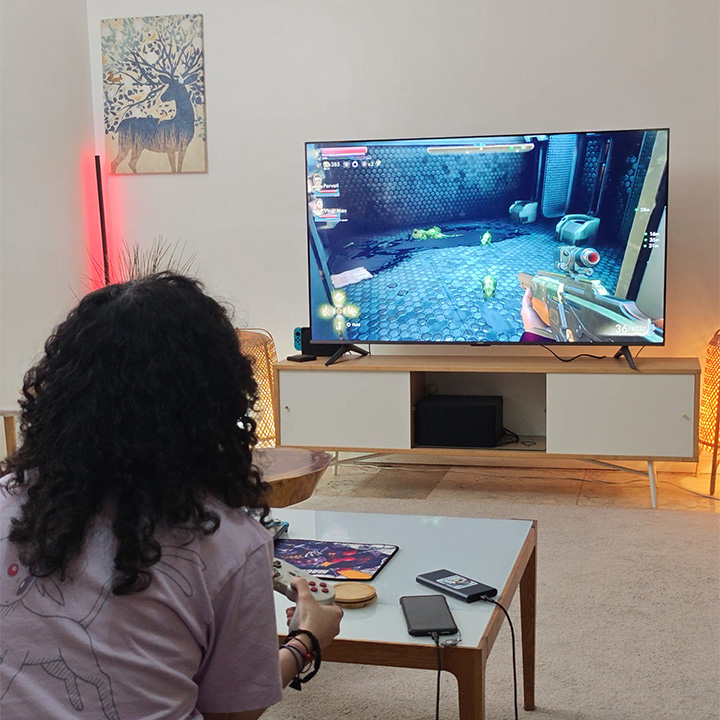
Its 4K screen is relatively bright while the colors and contrast are superb thanks to HDR10+ support. Viewing angles are also great. Although, blacks aren’t as deep as with OLED panels, as expected of a QLED screen.
What I highly appreciate is its so-called “Game Boost” mode, allowing it to run up to 120Hz refresh rate, despite it being 60Hz by default. This is achieved by connecting the TV to a gaming console via HDMI.
Say if you have a PlayStation 5 or even a Nintendo Switch, you can expect the frame rates to be a bit smoother on the big screen.
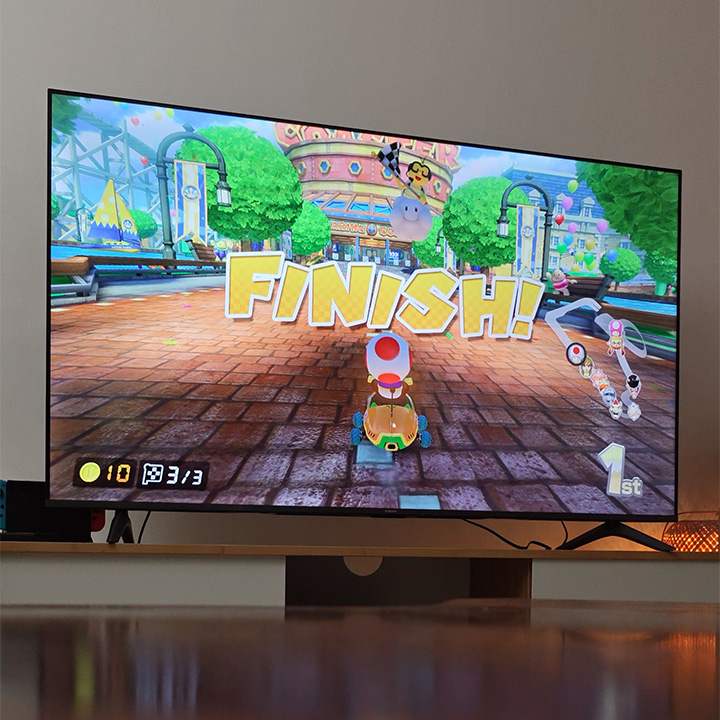
Notably, the TV supports MEMC technology, so the Game Boost mode just makes sense. For those unfamiliar, MEMC works with the TV automatically inserting new, interpolated in between frames to output a smoother visual experience. So, there’s that.
The TV has two bottom-firing loudspeakers that provide decent sound quality. It’s loud and can easily fill up the room, and the quality is clear in my experience with nice highs and mids, although the lows or bass could do some improvement.
Despite that, the TV supports both Dolby Audio and DTS:X, so you can still expect a level of immersion when watching your favorite shows or playing games.
Performance, OS, and User Experience
Now, let’s go a bit more technical. This Xiaomi TV A Pro features a Quad A55 CPU and Arm Mali G52 MC1 GPU, configured with 2GB RAM and 8GB storage—enough to let you navigate around without any hiccups.
Speaking of navigation, we see a familiar UI here since it’s running Google TV OS out of the box. Although, to be frank, Google might need to do some visual refresh with this piece of software.
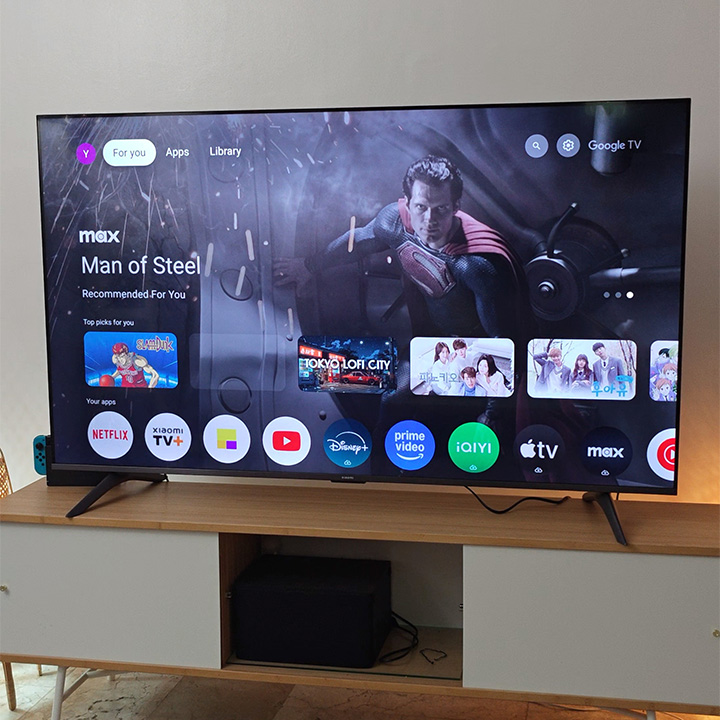
What matters though is that most apps that you’ll need are pre-installed here already. Apps like Netflix, Amazon Prime Video, and YouTube are readily accessible from the get-go.
Talking about accessibility, its 360-degree Bluetooth remote is voice enabled, giving you access to Google Assistant. I find this feature the most convenient since you can easily make a search through your apps by just using your voice.
Say you’re having a karaoke night with the fam, you can just long-press the Google Assistant button on the remote, then voice out what song you’d like to sing.
Fun fact: Google Assistant works for both English and Filipino, so whether a song belongs to OPM, Pop or whatnot, all of them are accessible via voice search.
Connectivity
Connectivity-wise, it comes with dual-frequency Wi-Fi and Bluetooth 5.0. Pairing with other devices like a Bluetooth speaker is snappy and quick. And the same goes when connecting it to a Wi-Fi router.
The TV is also compatible with Google Cast, Miracast, and Apple AirPlay for easy wireless projection using Android or Apple devices.
Verdict
So, what do we think of the new Xiaomi TV A Pro 2026?
For a TV, there’s not much to look for, except for good visuals, solid user experience, and arguably, premium design—which are all present in the Xiaomi TV A Pro 2026 at least in the 65-inch model.
From its sleek design and sharp 4K QLED display to handy smart features and smooth setup, it ticks most of the right boxes. It’s smart, stylish, and straight to the point, just like a good TV should be.

Xiaomi has yet to announce the pricing details for the 2026 lineup, but in comparison with the last year’s model, the 65-inch could go around the Php30K mark. For that price, it’s absolutely worth taking a look.
But what about you? What do you think of the Xiaomi TV A Pro? Will you get this if you ever had a chance? We’d love to hear your insights in the comments below!
What we liked:
- Sleek, premium-looking design with metallic finish
- Bright, immersive 65-inch 4K QLED screen
- 120Hz gaming via Game Boost mode
What we didn’t like:
- Less punchy bass
- Requires a Google account to use






I really appreciate the upgrade. The model look good.
How can I get one to buy