

A group of talented individuals over at the University of Liverpool, spearheaded by Network Security Professor Allan Marshall, has developed a virus called Chameleon which not only can infiltrate “poorly managed” Routers and Access Points, but also effectively spread to other wireless devices, particularly in a dense populated area where Wi-Fi networks are abundant.
Just to set things clear, the researchers didn’t intend to hack unknowing users when they developed Chameleon, but rather to merely demonstrate the vulnerability of a Wi-Fi network and how such virus can eventually infect other wireless devices.
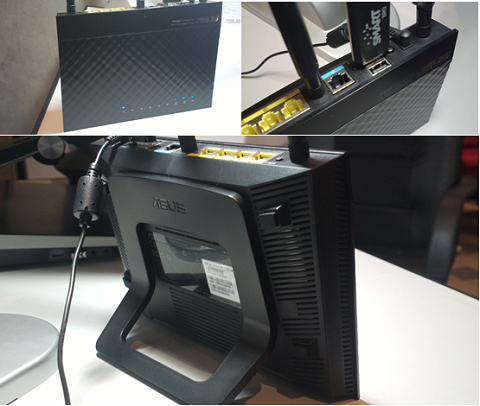
Of course, Marshall’s team didn’t give a lot of insights on how they developed Chameleon so as to not serve as a reference to real-life hackers. They did, however, state that the virus can go undetected by current security measures and, once it infiltrates the network, has the ability re-flash the device’s firmware and replace it with OpenWrt.
After gaining access to a given network, the virus allows hackers to intercept sensitive data like financial information and passwords. The study also showed that the Chameleon has the potential to spread across other wireless networks, making it a very potent tool for hackers if not addressed quickly.

Apart from keeping users from having a false sense of security, Marshall’s team is also hoping that their case study will also serve as a plea to router/AP manufacturers and antivirus companies to improve the security feature of their products.
But all is not lost. Based on their findings, one way that users can combat the attack is by not using the default security (i.e default password) supplied by the service provider or device manufacturer. This method will make it a little more challenging for the virus to penetrate their network, which can eventually lead to more serious repercussions.







A T-Mobile router, classic. A Router/Modem Password should be at least 20 characters long without repeating a single character; That’s from experience.